Customer Relationship Management for Telecalling Teams: A Practical Guide
A customer picks up your call and says, “I already told your colleague all this.” It is a small moment, but it shows what goes wrong without a system. The agent had no history, no notes and no idea what was promised last time.
That is the problem that customer relationship management software built for telecalling teams is meant to solve. This guide explains what customer relationship management means for a calling team, what to store, how to set it up and which mistakes to avoid.
What Is Customer Relationship Management?
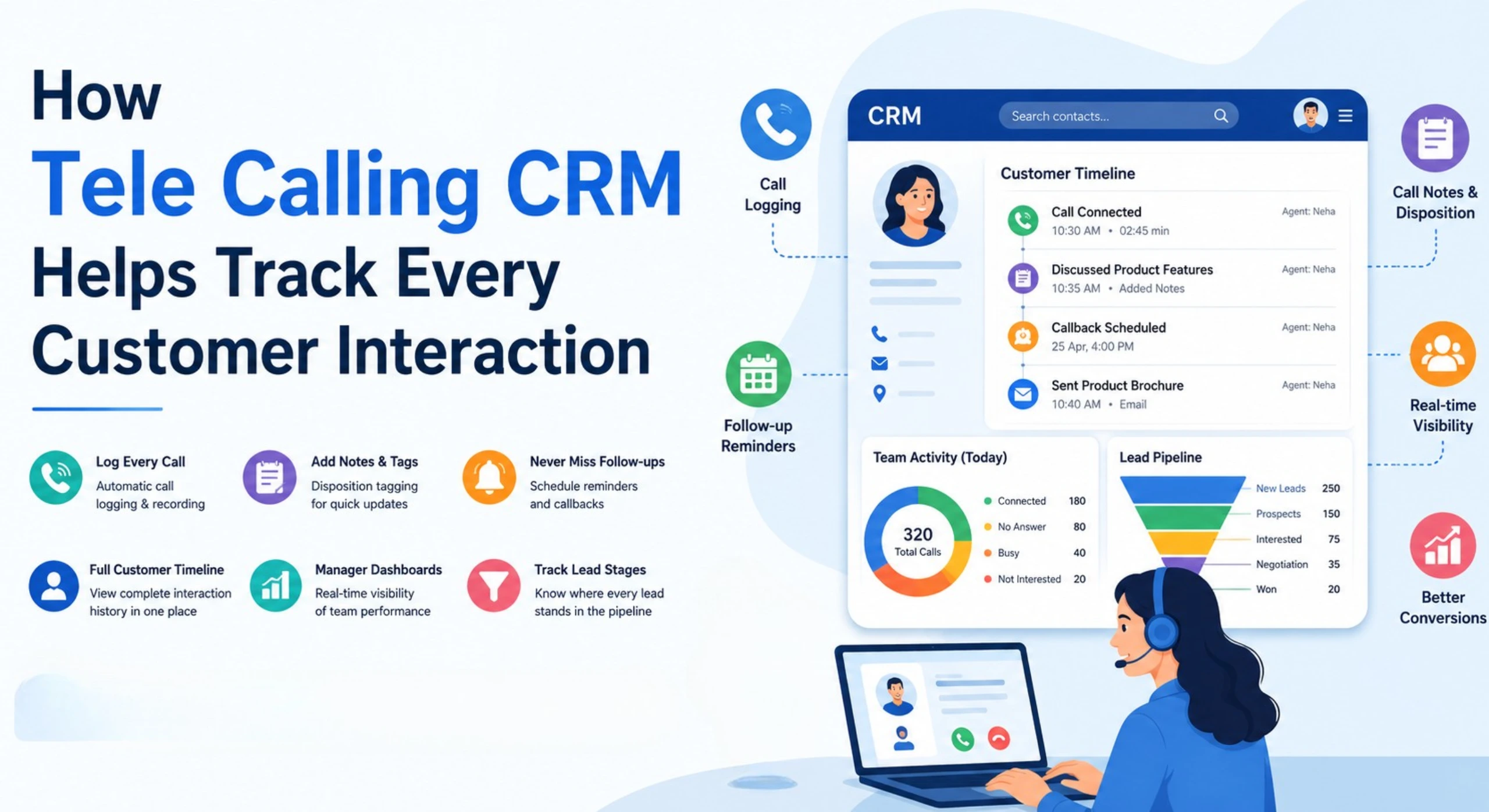
Customer relationship management (CRM) is the practice, and the software, that a business uses to record every interaction with leads and customers, and to use that information to serve them better. For a telecalling team, it means keeping calls, notes, follow-ups and deal stages in one place, so every conversation starts with context.
CRM, Lead Management and Follow-Up: How They Fit Together
These terms overlap, so a quick distinction helps. Lead management covers capturing, assigning and prioritising new enquiries. Follow-up management covers reminders and next actions. Customer relationship management is the wider layer: the full history of a person across calls, messages, deals and renewals. A good telecalling CRM covers all three, so a lead becomes a customer without losing its history.
Why Telecalling Teams Need a Different Kind of CRM
A general CRM is built around contacts, deals and emails. Telecalling work is different:
- The phone is the main channel, and call volumes are high
- Leads arrive in bulk from ads, portals and databases
- Speed and timing of callbacks decide results
- Agents work from phones as much as from desks
- Managers need to see calling activity, not just deal values
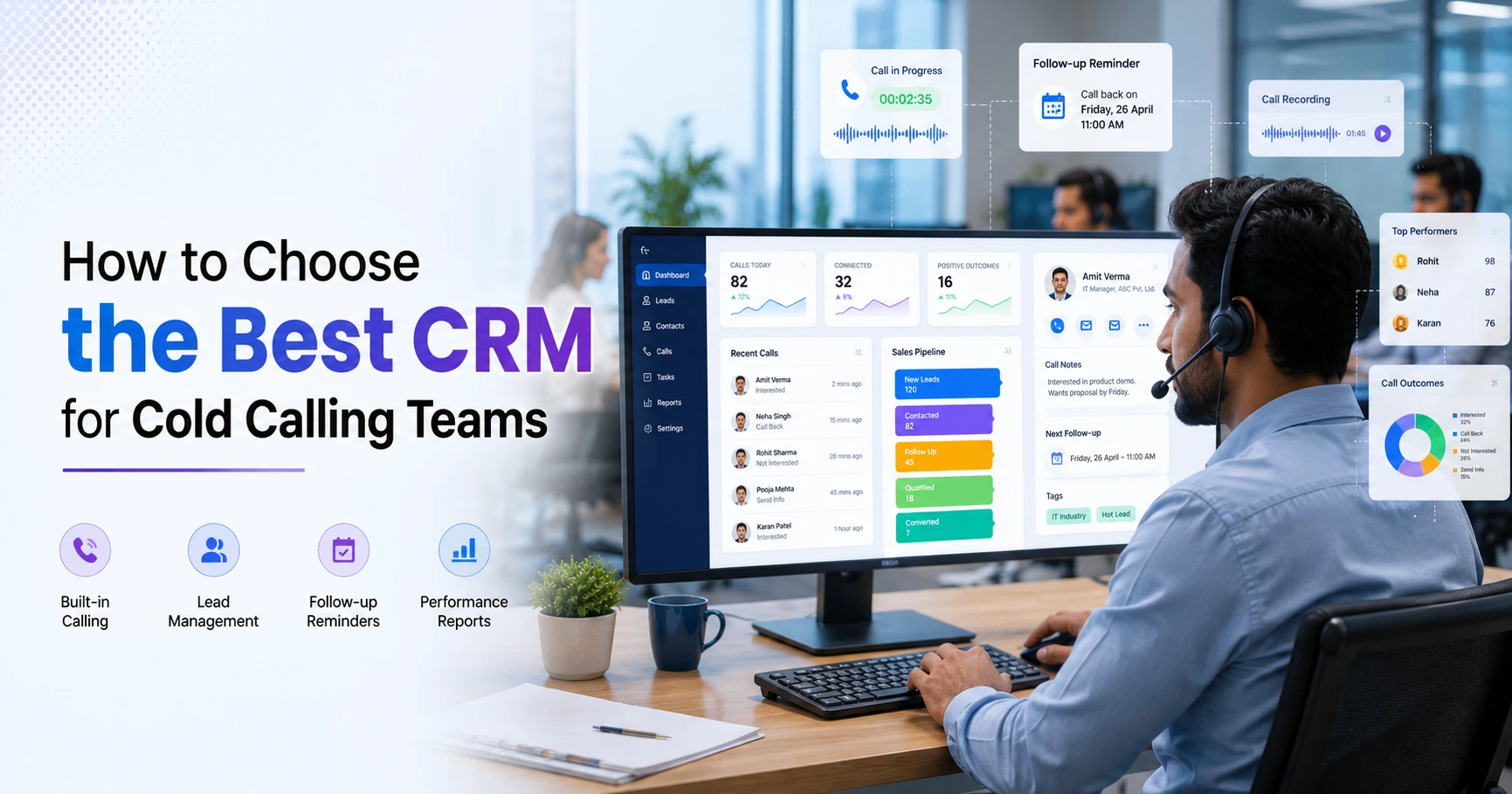
This is why many calling teams look for a CRM where the dialer, call history and follow-up reminders are part of the core product, not add-ons.
The Telecalling Customer Journey in a CRM
A CRM works best when each stage of the journey has a clear meaning and a next action.
| Stage | What happens | What the CRM does |
|---|---|---|
| Lead captured | Enquiry arrives from an ad, portal or list | Stores the lead, removes duplicates, assigns an agent |
| First call | Agent introduces and understands the need | Logs outcome, duration and notes |
| Qualified | Customer shows genuine interest | Updates stage, scores the lead, sets next follow-up |
| Follow-up | Further calls, messages or documents | Reminds the agent, shows full history |
| Offer or proposal | Price or terms shared | Records deal value and expected close date |
| Won or lost | Decision made | Closes the lead and records the reason |
| After the sale | Renewals, repeat sales or support | Keeps the history available for future calls |
Keep stages few and simple. Five to seven are enough for most teams.
What Customer Information Should You Store?
Store what helps the next conversation, and nothing more.
- Name, phone number and preferred language
- Lead source and date of first contact
- Call history, outcomes and notes
- Current stage and deal value
- Next follow-up date and who owns it
- Messages sent on WhatsApp, SMS or email
- Do Not Call (DNC) status and consent notes
Custom fields can capture details specific to your business, such as course interest, property budget or policy type. Avoid collecting sensitive data you do not need.
6 Ways CRM Improves Customer Relationships on Calls
1. Every call starts with context
An agent can see earlier calls, notes and promises before dialing. Customers do not have to repeat themselves, which builds trust.
2. Follow-ups happen on time
Reminders and overdue alerts make sure that “I will call you on Friday” actually happens on Friday.
3. Handling is consistent across agents
When notes and stages are recorded the same way, a lead can move between agents without losing the thread.
4. Customers are contacted on the right channel
Some prefer a call, others a WhatsApp message. A CRM that shows calls and messages on one timeline helps agents choose sensibly.
5. Managers can see what is happening
Reports on follow-ups, connect rate and conversion show where relationships are slipping, such as leads that no one has called for a week.
6. Customer preferences are respected
DNC checks, calling-hour limits and clear records of consent help you avoid calling people who do not want to be called.
Example: A Real Estate Lead (Hypothetical)
This is a hypothetical example. A buyer enquires through a property portal. Agent A calls, learns that the buyer wants a two-bedroom flat under a certain budget, and schedules a follow-up for Thursday after the customer asks for a few days.
Agent A is then on leave. Because the CRM holds the notes, the follow-up and the budget, Agent B calls on Thursday with full context, shares matching options on WhatsApp and books a site visit. The customer never has to repeat the story.
How to Set Up CRM for Your Telecalling Team
- Write down your customer journey. List the stages from first enquiry to sale and renewal.
- Choose the data you need. Decide which fields every call must record.
- Define outcomes. Use a short list, such as Interested, Call back, Not reachable and Not interested.
- Clean and import your data. Remove duplicates, wrong numbers and DNC entries.
- Set assignment and follow-up rules. Decide who gets which leads, and how soon follow-ups are due.
- Train and review. Show agents how to log calls, then review reports weekly.
What to Look For in a CRM for Telecalling Teams
- A built-in dialer and one-tap call logging
- Full call history and notes on every lead
- Follow-up reminders and overdue alerts
- Lead assignment rules and de-duplication
- Custom stages and fields
- Calls and messages on one timeline
- A mobile app for agents
- Reports on activity and conversion
- Role-based access, so agents see only what they need
- Simple, clear pricing
Common Mistakes in Customer Relationship Management
- Treating the CRM as a database. It should drive daily action, not just store records.
- Letting agents skip notes. Missing context is the main reason customers repeat themselves.
- Too many fields and stages. Complicated forms slow calls and reduce data quality.
- Ignoring existing customers. Renewals and repeat sales often cost less than new leads.
- Collecting data without purpose. Customer data carries privacy duties.
- Never reviewing the data. Old, duplicate or wrong records weaken every report.
A Note on Customer Data and Privacy
Customer records are personal data. India’s Digital Personal Data Protection Act, 2023, published by MeitY, generally requires organisations to erase personal data once the purpose is served or consent is withdrawn, unless the law requires retention. Collect only what you need, limit access by role and set a retention period. Confirm the current requirements with a legal adviser.
How TeleCallingCRM Supports Customer Relationship Management
TeleCallingCRM is built for outbound calling teams. According to its website, it includes:
- Lead import with de-duplication, assignment rules and Hot, Warm and Cold scoring
- Full call history, notes and lead source on each lead, with custom fields and tags
- Custom pipeline stages, deal values and stage-change history
- Follow-up scheduling, reminders and overdue alerts
- SMS, email and WhatsApp messages on one timeline per lead
- A smart auto dialer, call recording and call scripts
- Roles and permissions, an Android and iOS app, and reports for managers
The site lists plans from ₹999 per month and a 3-day free trial, so you can test it with a sample of your leads. See the pricing page for current details. If you work in insurance, this article on what insurance teams gain from a telecalling CRM shows a related use case, and the guide on how to choose the best telecalling CRM covers selection in more detail.
The product is lead- and calling-focused, so if you need to manage long-term customer accounts or after-sales support in depth, check how its stages, tags and custom fields fit your process during the trial.
Frequently Asked Questions
What is customer relationship management in simple words?
It is the practice of keeping a clear record of every interaction with leads and customers, and using it to serve them better. In software, a CRM stores contact details, calls, notes and follow-ups in one place.
Why do telecalling teams need a CRM?
Telecalling teams handle many leads and calls, so memory and spreadsheets fail quickly. A CRM keeps call history, reminders and ownership clear, so follow-ups are not missed and agents have context before every call.
What is the difference between a CRM and a telecalling CRM?
A general CRM manages contacts, deals and communication across many channels. A telecalling CRM puts calling at the centre, with an auto dialer, call logging and follow-up queues. Choose based on where most of your conversations happen.
What customer data should a telecalling CRM store?
Store contact details, language, lead source, call history, notes, stage, deal value, next follow-up, message history and DNC or consent status. Avoid collecting sensitive data that you do not need.
Can a CRM help with renewals and repeat sales?
Yes, if you keep customer history and use reminders. Teams in insurance, education and similar fields often schedule renewal or repeat-sale calls. Check that your CRM supports the stages and fields you need for existing customers.
How long does it take to set up a CRM for a telecalling team?
It depends on your data and process. Importing leads can be quick, but defining stages, outcomes and rules takes thought. Start with a small group, refine the setup and then roll it out to everyone.
Conclusion
Customer relationship management for telecalling teams is about making every call better informed: the right history, the right follow-up and the right channel. Keep your process simple, record only what you need and review your data regularly.
If you want to see how this looks in your own field, you can explore how a telecaller CRM is set up for different industries, and test it with your own leads.