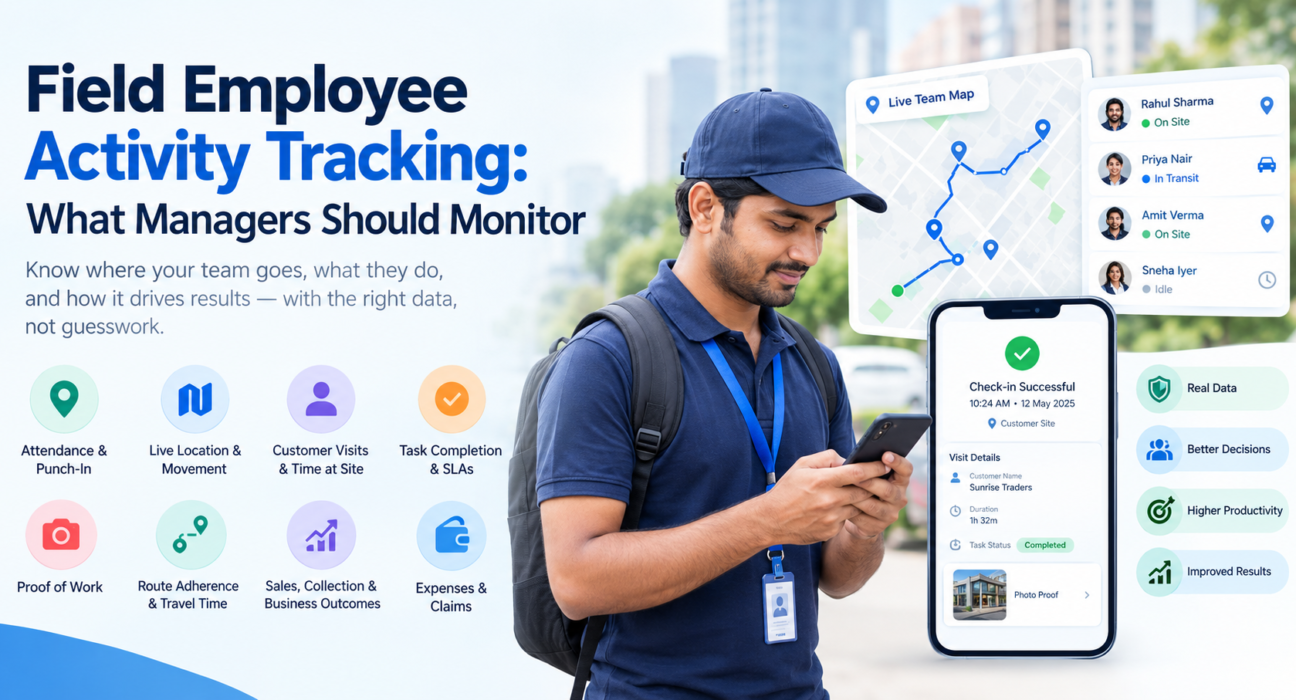
Field Employee Activity Tracking: What Managers Should Monitor
If your team spends the day at customer sites, on the road or in the market, you’ve probably wondered what they’re actually doing out there. Not because you distrust them, but because you can’t fix, coach or plan around something you can’t see.
That’s the real purpose of field employee activity tracking: giving managers a clear, factual picture of field work as it happens. The trick is knowing what to watch. Track too little and you’re guessing. Track everything and you drown in data nobody reads.
This guide covers the activities worth monitoring, the metrics that matter, and how to set tracking up so your team sees it as support, not surveillance.
What Is Field Employee Activity Tracking?
Field employee activity tracking is the practice of recording and reviewing what field staff do during their working day: when they start, where they go, which customers they visit, what work they complete and what they spend. It usually combines GPS data, attendance records, visit logs and task updates in one place.
It goes beyond a dot on a map. Location tells you where someone is. Activity tracking tells you what happened there, how long it took and whether the job got done.
Why Managers Need It
Once a team leaves the office, most managers fall back on phone calls, WhatsApp updates and end-of-day reports. These are slow, inconsistent and easy to fill in from memory.
That creates a few predictable problems:
- Unverified visits. A report says a visit happened, but there’s nothing to confirm it.
- Wasted travel. Reps zigzag across a city because nobody planned the sequence.
- Slow response. A delayed service call or missed customer isn’t noticed until the customer complains.
- Unfair evaluation. Without data, reviews rely on whoever is loudest, not whoever is most effective.
Good tracking replaces guesswork with a shared record that managers and field staff can both refer to.
What Should Managers Monitor? 8 Field Activities That Matter
You don’t need every data point. These eight cover most field operations.
1. Attendance and Punch-In Accuracy
Everything else depends on knowing who actually started work, where and when. Paper registers and WhatsApp “reached” messages are easy to bend.
Look for:
- Punch-in and punch-out times
- Punch-in location versus the assigned site or territory
- Late starts and early finishes
- Signs of manipulated phone clocks or fake locations
Server-side timestamps, geofencing and mock-location detection make this far more reliable than self-reporting.
2. Live Location and Movement
During working hours, a live view tells you who is on the field, who is in transit and who is idle. A GPS trail shows the path each person took, which is useful when a customer disputes a visit or a delivery runs late.
Used well, this is a coordination tool. If a customer calls with an urgent problem, you can see who’s nearest and reassign the job in minutes.
3. Customer Visits and Time at Site
Count visits, but also look at how long reps stay. A visit that lasts three minutes may be a drive-by. One that lasts three hours may mean a stuck conversation or a difficult site.
Track:
- Planned versus completed visits
- Missed or rescheduled visits
- Average time spent per visit
- First and last visit times of the day
4. Task Completion and SLA Performance
For service teams, this is where customer satisfaction is won or lost. Monitor how many tasks were assigned, completed and left open, and whether each met its SLA (service level agreement) deadline.
Overdue jobs should surface early, while there’s still time to act, rather than appearing in a weekly report after the damage is done.
5. Proof of Work
A visit that happened and a visit that can be proven are two different things. Proof of work might include a photo, a customer signature, an OTP confirmation or a completed checklist.
This protects everyone. Managers get evidence. Reps get a record that backs up their work. Customers get accountability.
6. Route Adherence and Travel Time
Travel is often the largest hidden cost in field operations. Compare the planned route with the route actually taken, and look at how much of the day goes to driving versus meeting customers.
If two reps cover similar territories but one finishes noticeably fewer visits, the cause is often route sequencing, not effort.
7. Sales, Collection and Business Outcomes
Activity only matters if it leads somewhere. Link what people do to what it produces:
- Orders or leads captured per visit
- Payments collected and settled
- Follow-ups completed
- Conversion from visit to outcome
This stops tracking from becoming a pure activity count. A rep with fewer visits but better results shouldn’t look worse on a dashboard.
8. Expenses and Claims
Fuel, travel and meal claims are another place where a small mismatch becomes a recurring leak. Compare claimed distance with tracked distance, and require receipts for reimbursements. When claims sit next to visit and route data, review becomes quick and fair.
Quick Reference: What to Track and Why
| Activity | What to Watch | Why It Matters |
|---|---|---|
| Attendance | Punch-in time, location, late starts | Confirms who is working, and where |
| Live location | Status, GPS trail | Faster dispatch and dispute resolution |
| Visits | Planned vs. completed, time at site | Shows coverage and effort quality |
| Tasks and SLAs | Open, overdue, completed | Protects customer experience |
| Proof of work | Photo, signature, OTP | Turns reports into evidence |
| Routes | Planned vs. actual, travel time | Cuts wasted driving |
| Outcomes | Orders, collections, conversions | Connects activity to results |
| Expenses | Claims vs. tracked distance | Reduces leakage |
Monitoring Versus Micromanaging: Getting the Balance Right
This is where many rollouts go wrong. If field staff feel watched rather than supported, they’ll resist the tool, and your data will suffer.
A few practices help:
- Be transparent. Explain what is tracked, when and why before you switch anything on.
- Track work hours only. Location tracking should apply to on-duty staff, with their permission.
- Use data to coach, not punish. Start conversations with “I noticed travel time is high on this route” rather than “why were you here?”
- Share the benefits. Faster expense approvals, fairer reviews and fewer repetitive status calls are real gains for the team too.
- Check the legal side. India’s Digital Personal Data Protection Act, 2023 affects how personal data, including location, is handled. Review your policy with a qualified legal advisor.
How to Set Up Field Employee Activity Tracking in 5 Steps
- Decide what you want to improve. Pick two or three goals first, such as visit coverage, SLA compliance or expense control.
- Choose the few metrics that map to those goals. Resist the urge to track everything on day one.
- Define the standards. What counts as on-time? How many visits per day is realistic for each role and territory?
- Brief the team. Explain the purpose and show them what they’ll see on their own screens.
- Review weekly and adjust. Look at patterns, not single data points, and refine your targets as you learn.
Common Mistakes to Avoid
- Tracking location only. A map without visit outcomes tells half the story.
- Chasing activity volume. More visits aren’t always better visits.
- Ignoring offline conditions. Many field areas have patchy network coverage, so tools need to capture data offline and sync later.
- Skipping the conversation. Software doesn’t replace coaching. It gives you something concrete to coach with.
- Using separate tools. Attendance in one app, expenses in a spreadsheet and visits on WhatsApp means nobody sees the whole picture.
How Software Makes Field Employee Activity Tracking Practical
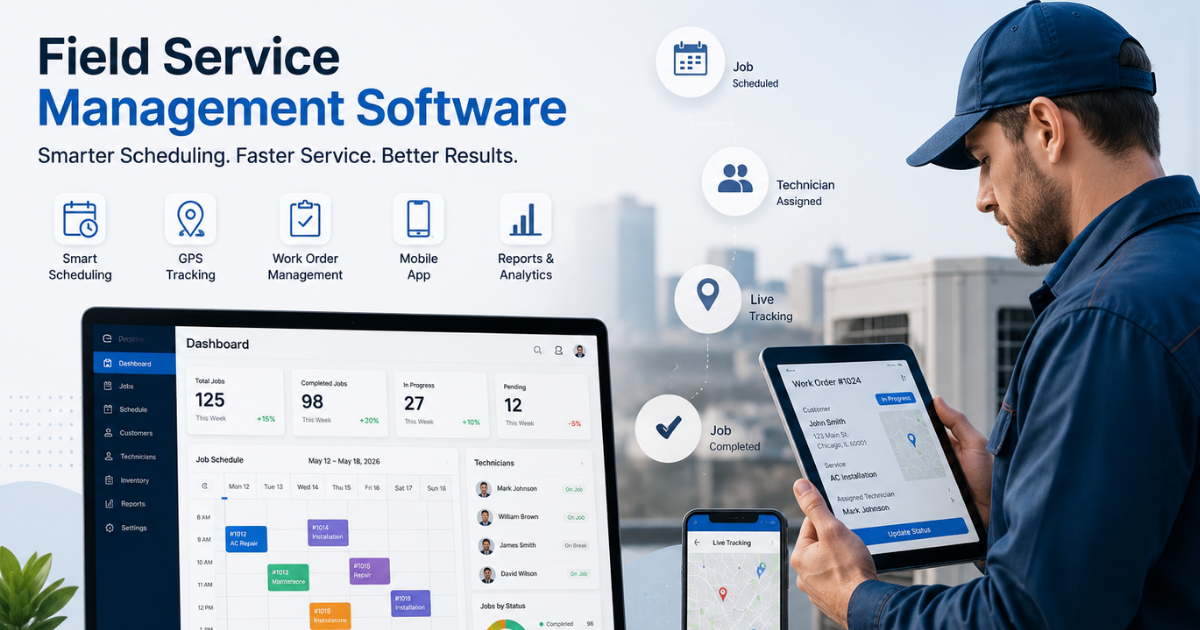
You can track a few of these things manually for a small team. Beyond that, spreadsheets and chat groups break down quickly. Field force management software brings attendance, location, visits, tasks, proof and expenses into one live system, so managers aren’t stitching reports together every evening.
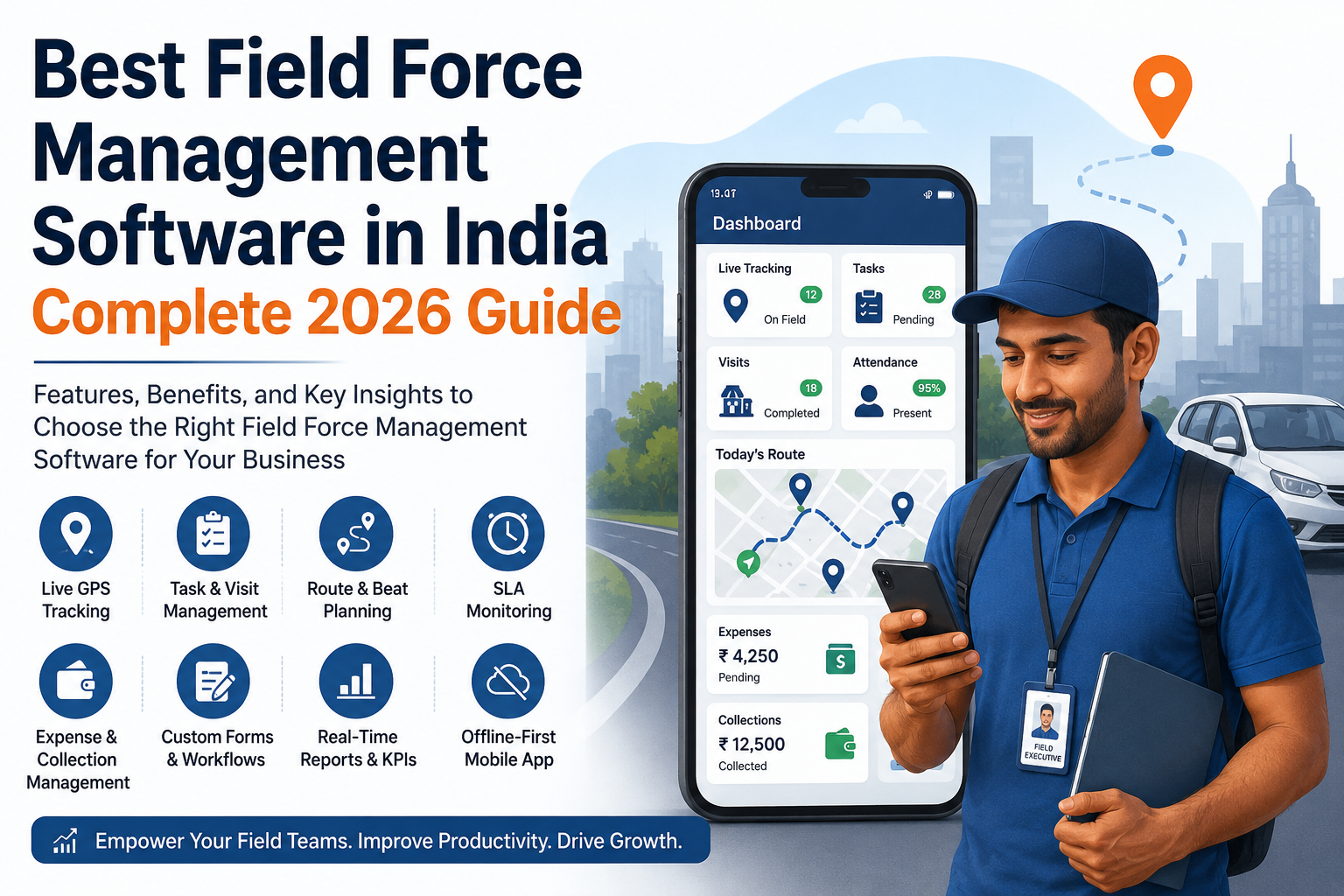
Businesses looking to simplify this can use a field force management platform such as FieldExecutives. Based on what the platform offers, it supports activity tracking in several ways:
- Geofenced, server-time attendance with mock-location detection, so punch-ins reflect real time and place
- A live team map showing who is on the field, in transit or idle, plus a GPS breadcrumb trail of where each person went
- Proof of visit through photos, signatures and OTP, along with guided checklists and SLA timers
- Route and beat-plan support that helps reps sequence their day
- Expense and collection tracking, with receipt-backed claims and collections tracked through to settlement
- Real-time KPIs and leaderboards for managers, and an offline-first mobile app for reps working in low-network areas
- Custom forms and workflows, so you can capture the details your own operation needs
Industries differ in what they track. A pharma team cares about doctor and chemist visits, a courier business cares about delivery proof, and a service team cares about SLAs. You can see how this plays out on the industries page, and the features page explains each capability in more detail.
Conclusion
Effective field employee activity tracking isn’t about watching people. It’s about replacing guesswork with facts: who started on time, which visits happened, what proof exists, where time is lost and which activities lead to results.
Start small. Pick the activities that match your biggest problem, explain the purpose openly to your team, and review the data to coach rather than catch. Then add more as the habit takes hold.