CRM for Lead Generation: How Indian Sales Teams Can Capture, Qualify and Follow Up Leads
You spend money on ads, portal listings and campaigns, and enquiries start coming in. A week later you find that half of them were never called, some were called twice and nobody can say which source brought the best customers. The problem is not lead generation. It is what happens after the lead arrives.
A CRM for lead generation connects your lead sources to one system, assigns each lead quickly and tracks it until it becomes a sale or is closed. This guide explains what such a CRM can and cannot do, what Indian sales teams should look for and how to measure lead sources properly.
Can a CRM Generate Leads?
A CRM does not create demand on its own. It collects leads from your marketing channels, organises them, assigns them to agents, tracks follow-ups and shows which sources perform best. Some tools also include forms or ad integrations, but the leads still come from your marketing and sales efforts.
In practice, a CRM for lead generation helps you waste fewer of the leads you have already paid for.
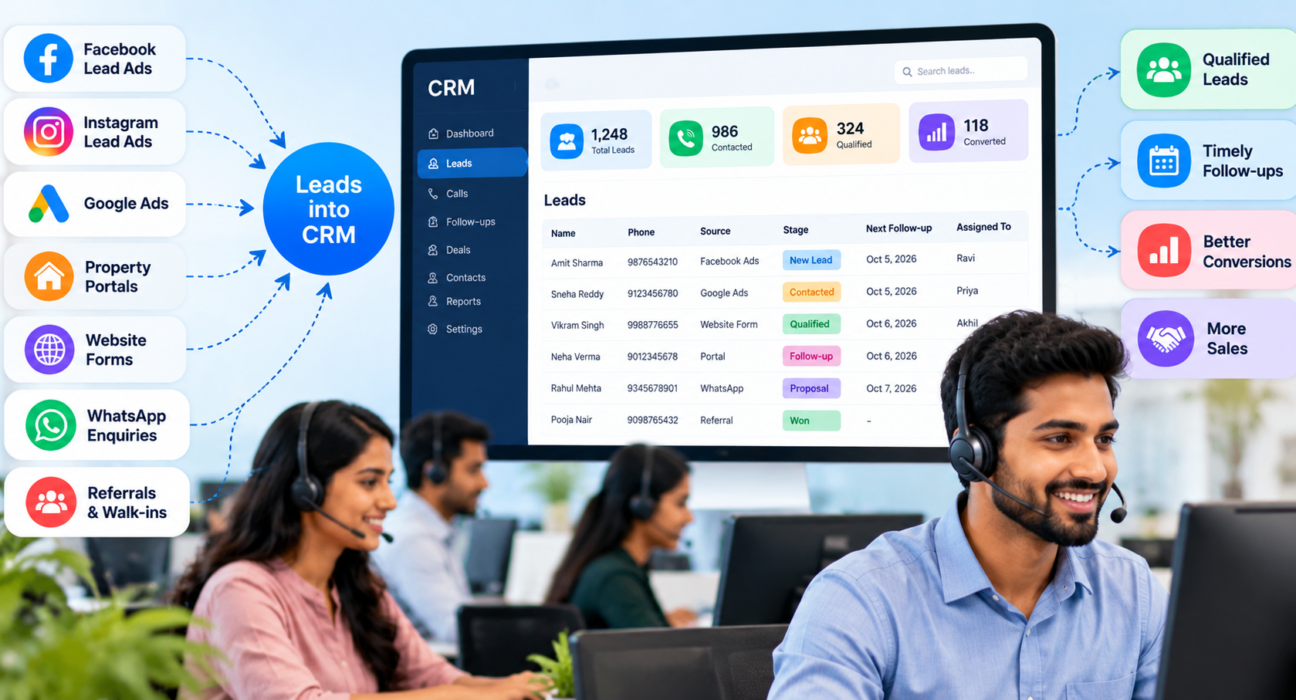
Where Indian Sales Teams Get Leads
Most teams use a mix of sources:
- Facebook and Instagram lead ads
- Google Ads
- Property and business portals, such as 99acres, MagicBricks and JustDial
- Website and landing page forms
- WhatsApp enquiries and missed calls
- Referrals and walk-ins
- Events, camps and offline campaigns
- Existing or old databases
Each source differs in quality and speed. A hot enquiry from a portal needs a call in minutes, while an old database needs a different approach.
What Goes Wrong Without a CRM
- Leads arrive in different places, such as email, sheets and chat groups
- Nobody owns a lead, so nobody calls
- Duplicates waste calls and annoy customers
- Slow response lets competitors reach the customer first
- Callbacks are forgotten
- Managers cannot tell which source is worth the money
Speed matters. A Harvard Business Review audit of 2,241 US companies found that firms contacting a lead within an hour were nearly seven times as likely to qualify it as firms that waited even an hour longer. The data is from US online leads and dates from 2011, but the principle applies to any team that pays for enquiries.
What a CRM for Lead Generation Should Do
1. Capture leads from every source
Look for direct integrations with the platforms you use, plus bulk import for older lists. Fewer manual steps mean fewer errors and faster response.
2. Clean leads on entry
Automatic de-duplication and Do Not Call (DNC) screening keep your agents from calling repeats or restricted numbers.
3. Assign leads instantly
Rules by round-robin, language or fixed owner make sure each lead reaches a person within minutes, not hours.
4. Qualify and prioritise
Scoring leads as hot, warm or cold, with clear stages, tells agents who to call first.
5. Make follow-up reliable
Reminders, overdue alerts and a clear next action on every lead stop good enquiries from fading.
6. Report by source
You need to see how many leads each source brought, how many were contacted and how many converted.
How to Measure Lead Source Quality
Cost per lead is a poor guide on its own. A cheap source with poor-quality leads can cost more per sale. Track these together:
| Metric | What it tells you |
|---|---|
| Leads received | Volume from each source |
| Contacted within your target time | Whether your team responds fast enough |
| Connect rate | Whether numbers are valid and reachable |
| Qualified rate | Whether leads match your offer |
| Conversion rate | How many become customers |
| Cost per qualified lead or per sale | The true value of the source |
Compare sources over several weeks. One bad week proves little.
What to Look for in an Indian Context
- Integrations with channels you use, such as Meta lead ads, Google Ads and Indian portals
- WhatsApp and SMS messaging alongside calls, since many customers prefer them
- Language-aware assignment, so leads reach agents who speak their language
- A mobile app, since many agents work from phones
- Clear pricing in rupees, with no hidden limits on leads or users
- DNC and consent controls, because Indian rules on commercial calls and data apply
Example: An Education Business (Hypothetical)
This is a hypothetical example. A coaching institute runs Facebook ads, listings on a directory and a website form.
After connecting all three sources to a CRM, the manager reviews a month of data. The Facebook ads bring the most leads, but few answer calls. The directory brings fewer leads, but more of them book a counselling session. The team moves part of the ad budget towards the directory and improves the calling time for ad leads.
Without source data, those decisions would have been guesses.
How to Set Up Your CRM for Lead Generation in 5 Steps
- List your lead sources. Include online, offline and old databases.
- Connect or import them. Automate where possible and clean the rest.
- Define stages and priorities. Keep them simple and agree what each means.
- Set assignment and response rules. Decide who gets which leads and the target time for the first call.
- Review source reports monthly. Shift effort towards sources that give qualified leads.
A Quick Lead Response Checklist
Use this list to check whether your process is ready for new leads:
- Every source feeds the CRM, with no leads left in chats or sheets
- New leads are assigned automatically, within minutes
- The first call target is written down and tracked
- Agents record an outcome and a next follow-up date after every call
- Unreached leads get a second attempt at a different time of day
- Managers review untouched and overdue leads every morning
Common Mistakes
- Judging sources only by cost per lead. Quality matters more than quantity.
- Slow first response. Leads cool quickly.
- Skipping data cleaning. Duplicates and wrong numbers distort every report.
- Not tagging the source. Without it, you cannot compare channels.
- Over-complicating stages. Agents will not update them.
- Ignoring consent. Leads should know why they are being contacted.
- Expecting the CRM to fix weak marketing. It improves handling, not demand.
Lead Consent and Data Privacy
Lead forms collect personal data. India’s Digital Personal Data Protection Act, 2023, published by MeitY, generally requires organisations to erase personal data once the purpose is served or consent is withdrawn, unless the law requires retention. Collect only what you need, explain how you will use it, and set a retention period. Check the current requirements with a legal adviser.
How TeleCallingCRM Supports Lead Generation Workflows
TeleCallingCRM is built for outbound calling teams. According to its website, it includes:
- Lead integrations with Facebook and Instagram Lead Ads, Google Ads, 99acres, MagicBricks, JustDial and Google Sheets, plus bulk CSV or Excel import
- Automatic de-duplication and DNC enforcement
- Assignment rules by round-robin, language match or fixed agent, limited to agents who are on shift
- Hot, Warm and Cold scoring and custom pipeline stages
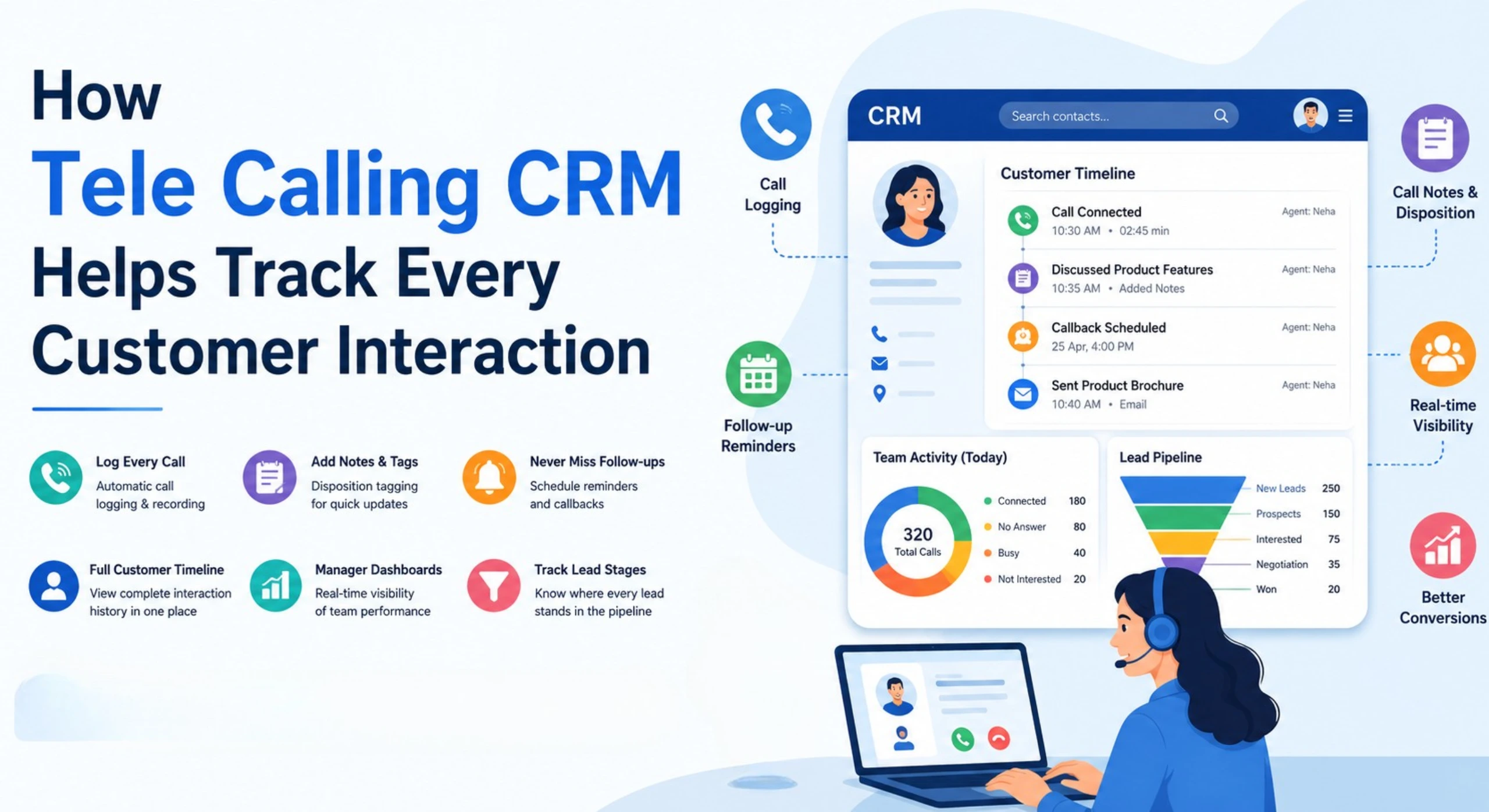
- Follow-up reminders, overdue alerts and a smart auto dialer
- Workflow automation that can send messages or assign leads when a new lead arrives
- Source performance and conversion reports, and an Android and iOS app
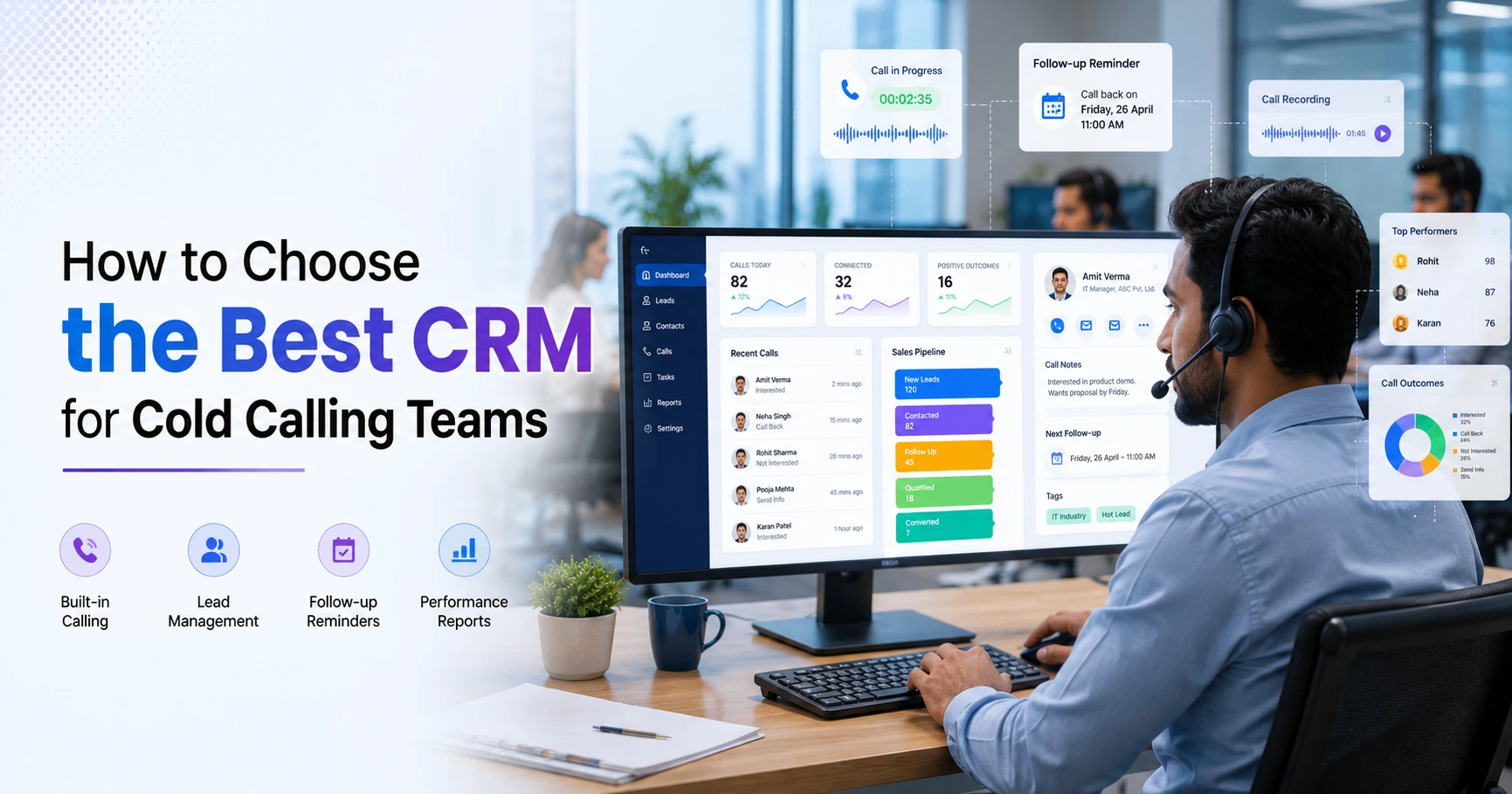
It does not claim to generate demand itself, so you will still need your own marketing channels. The site lists plans from ₹999 per month and a 3-day free trial, so you can connect a source and test it with real leads. See the pricing page, and the comparison page if you are weighing options. Teams in real estate and education may find the industry pages useful, and the guide on how to choose the best telecalling CRM covers selection in more detail.
Frequently Asked Questions
What is a CRM for lead generation?
It is a CRM that connects your lead sources, collects enquiries in one place, assigns them to agents, tracks follow-ups and reports on source performance. It does not create demand itself, but helps you convert the leads you already pay for.
Does a CRM generate leads automatically?
No. Leads come from your marketing and sales channels. A CRM captures them, removes duplicates, assigns them quickly and tracks results. Some CRMs include forms or ad integrations, but you still need campaigns and listings.
What is the best CRM for lead generation in India?
There is no single best CRM. Choose by your lead sources, team size and calling needs. Check integrations with Indian portals and ad platforms, WhatsApp support, DNC controls and clear rupee pricing, then test two or three tools with real leads.
How quickly should I follow up on a new lead?
As quickly as your process allows. Research has linked faster response to higher qualification, so set a target such as calling within minutes or an hour, and use assignment rules and alerts to meet it.
How do I know which lead source is best?
Track leads, contact rate, qualified rate, conversion and cost per qualified lead or per sale for each source over several weeks. Do not judge by cost per lead alone.
Can small businesses use a CRM for lead generation?
Yes. Even a small team can lose leads in sheets and chats. Choose simple pricing and quick setup, connect your main source first and add more later.
Conclusion
A CRM for lead generation will not create demand, but it can make sure the leads you pay for are captured, called quickly and followed up. Connect your sources, assign by clear rules, track the results by source and let the data decide where to spend next.
If your team relies on calls to close leads, lead follow-up software with reminders and overdue alerts is a good place to start, and you can test it with your own leads first.