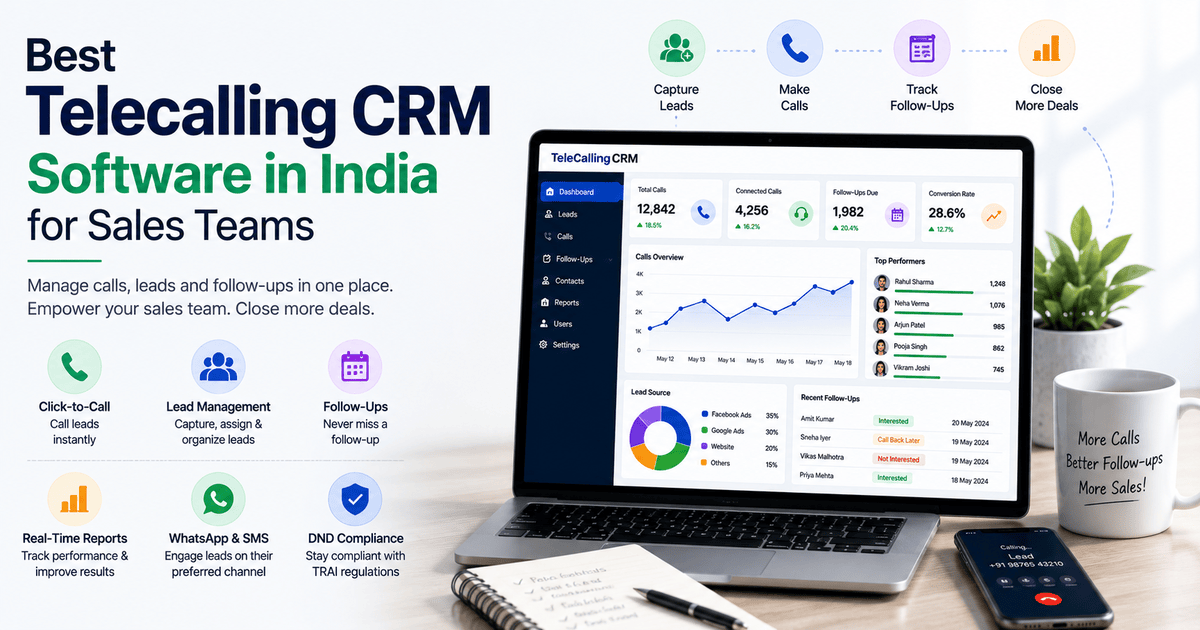
Best Telecalling CRM Software in India for Sales Teams
If your sales team spends more time dialing numbers and updating spreadsheets than talking to customers, the problem usually isn’t your team. It’s your tools. A dedicated telecalling CRM brings calling, lead tracking and follow-ups into one system. Telecallers then spend their time on conversations instead of admin work.
This guide explains what telecalling CRM software actually does and what to look for before you buy one. It also covers how to choose the right fit for your sales team in India.
What Is a Telecalling CRM?
A telecalling CRM is software that combines a calling system (usually a dialer) with lead and customer management tools. It’s built specifically for teams that sell or follow up over the phone. It lets you store leads, make and log calls, track follow-ups, and see team performance from one dashboard. That replaces juggling a phone, a spreadsheet and a messaging app separately.
A general-purpose CRM usually centers on emails, deals and long sales cycles. A telecalling CRM centers on the call itself: who to call next, what was said, and what needs to happen after the call.
Why Regular Spreadsheets and Generic CRMs Fall Short
Most sales teams don’t start with a telecalling CRM. They start with an Excel sheet, a personal phone, and maybe a WhatsApp group for coordination. This works for a week or two. Then problems show up.
Common issues include:
- Telecallers end up calling some leads twice and missing others completely, because no single record shows who called whom and when.
- Follow-ups get missed, because reminders live in someone’s memory, not the system.
- Managers can’t see what’s happening, so they only find out about a slow week after it’s over.
- Leads from Facebook, Google Ads, property portals or a website form sit in different inboxes. Someone then has to manually copy them into a sheet.
- There’s no record of what was actually said on a call, which makes coaching new telecallers difficult.
None of these are people problems. They are process problems, and a telecalling CRM is built to solve exactly this kind of process gap.
How Telecalling CRM Software Actually Works
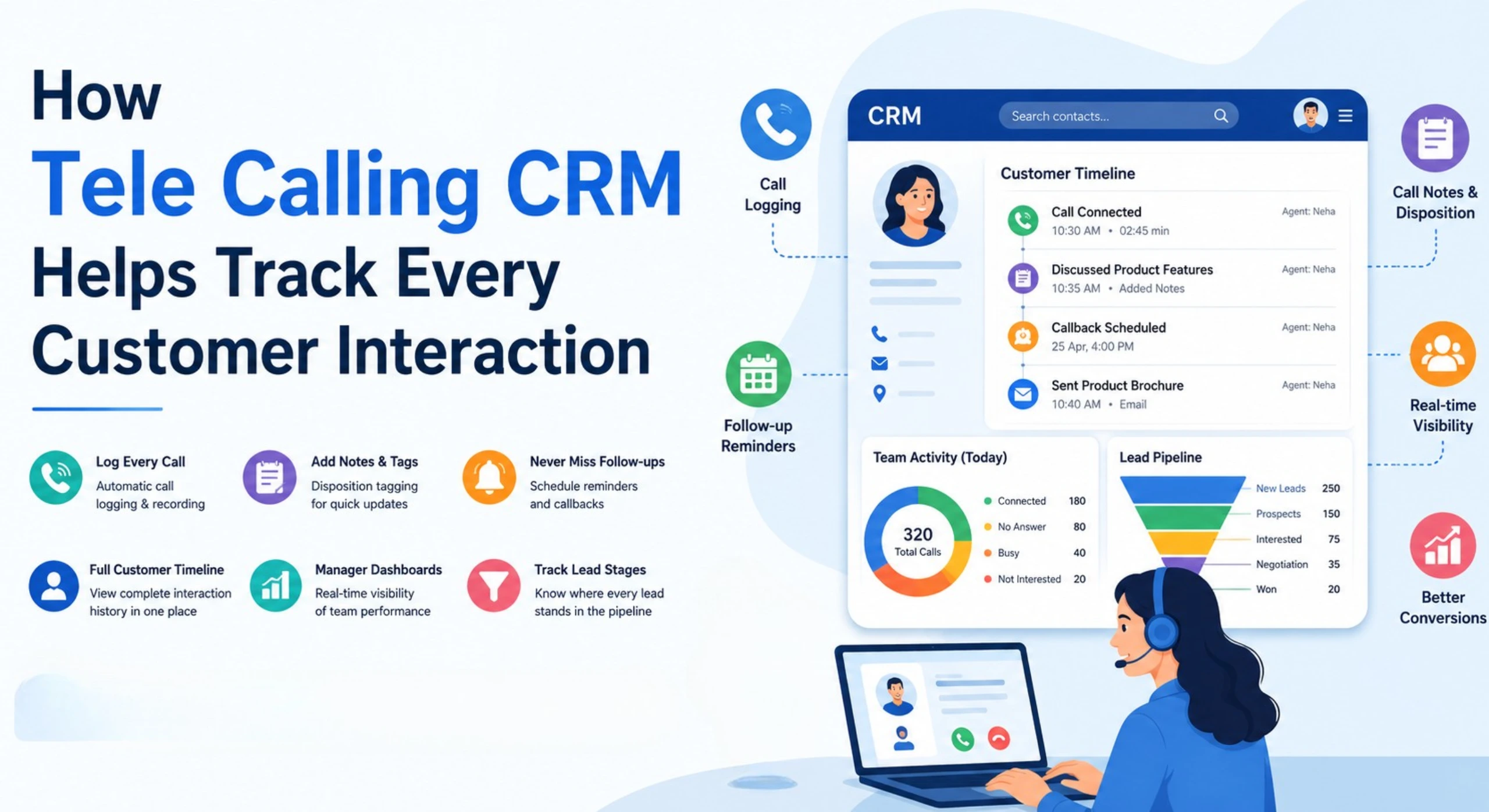
Most telecalling CRM platforms are built around four connected parts:
- Lead capture and assignment – Leads arrive from ads, portals, forms or manual upload. The CRM assigns each one to a telecaller, either manually or through rules such as round-robin or location.
- Calling – The telecaller calls directly from the CRM, often through a built-in dialer, and the CRM logs the call automatically against that lead’s record.
- Follow-up and status tracking – After each call, the telecaller marks a status: interested, call back later, not reachable, closed, and so on. The system then reminds them when the next follow-up is due.
- Reporting – Managers see call volume, connection rates, pending follow-ups and pipeline status without asking each telecaller individually.
This loop — capture, call, update, follow up — separates a telecalling CRM from a plain phone dialer or a basic spreadsheet.
What to Look for in a Telecalling CRM
Not every business needs every feature. But when you’re comparing options, these are the areas worth checking closely.
1. Lead Management
Check whether the software can import leads from your actual sources — ads, portals, website, spreadsheets. It should also remove duplicates automatically and assign leads based on rules rather than manual sorting. For teams handling high lead volumes, duplicate leads waste calling time and frustrate telecallers who end up dialing the same number twice.
2. Calling Features
Look for a dialer built into the CRM, automatic call logging, call recording, and the ability to prioritise which leads to call first. If your team currently dials from a personal phone and writes notes separately, this is usually the single biggest productivity gain.
3. Follow-Up Management
A large share of sales is lost not at the first call but at the third or fourth follow-up that never happens. A good lead follow-up software should schedule the next call automatically and alert the telecaller (and manager) when a follow-up is overdue.
4. Reporting and Visibility
Sales managers need to see, at a glance, how many calls the team made, how many connected, and where each lead stands — without asking for a manual update. Look for real-time dashboards rather than reports that need to be generated and emailed.
5. Messaging Alongside Calling
Many Indian sales conversations now continue on WhatsApp or SMS after the first call. A telecalling CRM that supports messaging from the same record keeps the full conversation history in one place, instead of splitting it across the CRM and a personal WhatsApp app.
6. Compliance With Indian Telemarketing Rules
TRAI’s National Do Not Call (NDNC) framework governs outbound calling in India and restricts unsolicited commercial calls to registered numbers. A telecalling CRM that supports DND list management helps your team avoid calling numbers that have opted out, which reduces compliance risk. You can read TRAI’s official guidelines at trai.gov.in.
7. Mobile Access
Telecallers and field sales staff often aren’t at a desk all day. A mobile app that mirrors the desktop CRM matters more than it looks on a feature list.
Quick Comparison Checklist
| What to Check | Why It Matters |
|---|---|
| Built-in dialer with call logging | Removes manual note-taking after every call |
| Lead de-duplication | Saves telecaller time and avoids repeat calls |
| Automated follow-up reminders | Reduces leads lost to forgotten follow-ups |
| Real-time reporting dashboard | Gives managers visibility without manual updates |
| WhatsApp/SMS/email in one place | Keeps full customer conversation history together |
| DND/DNC list support | Supports compliance with TRAI regulations |
| Mobile app | Useful for field sales and remote telecallers |
| Flat or per-user pricing | Affects total cost as your team grows |
Real-World Examples (Illustrative)
These are hypothetical scenarios to show how the features above apply in practice — not case studies of specific customers.
- A real estate agency running Facebook and 99acres ad campaigns receives leads from multiple sources every day. Without automatic assignment, leads sit unassigned for hours. A telecalling CRM can route each lead to the next available agent immediately.
- An education consultancy counselling students for admissions often needs 5–6 follow-up calls before a student decides. Automated follow-up reminders reduce the number of prospective students who simply go cold.
- An insurance or loan DSA team needs a clear record of what each call discussed and disclosed. This matters both for compliance and for handovers when a telecaller is on leave. Call logging and notes solve this directly.
- A recruitment firm calling large numbers of candidates daily benefits from status-wise calling. Telecallers can quickly filter and call only candidates marked “interested” or “callback requested,” rather than working through an unsorted list.
Benefits of Using a Telecalling CRM
- Fewer missed follow-ups and lost leads
- Less time spent on manual data entry and status updates
- Clear visibility for managers into team and individual performance
- Faster onboarding for new telecallers, since call scripts and lead history are already in the system
- One record per customer, instead of information scattered across phones, sheets and chat apps
Common Mistakes to Avoid
- Choosing based on features alone, without checking pricing at your actual team size. Some CRMs charge per user, which gets expensive as the team grows.
- Ignoring the mobile experience. If your telecallers work from phones, a desktop-only tool will be underused.
- Not checking DND/compliance support. Calling numbers on the DND registry can create regulatory risk.
- Skipping the trial period. A short trial with real leads tells you more than a sales demo.
- Overcomplicating the pipeline. Too many custom stages and fields can slow telecallers down instead of helping them.
How TeleCallingCRM Can Help
TeleCallingCRM is built specifically for Indian sales teams that call and follow up on leads. It combines a smart auto dialer and lead management with de-duplication and DND list handling. It also adds a no-code automation and follow-up workflow builder, plus a real-time reporting dashboard — all in one platform.
It also includes messaging — WhatsApp, SMS and email — from within the same lead record. On top of that, it offers over a dozen built-in lead-source integrations, including Facebook Ads, Google Ads, 99acres, Housing.com and MagicBricks, plus a mobile app for Android and iOS.
TeleCallingCRM structures pricing as flat monthly plans rather than per-user charges — worth comparing against your team’s size and growth plans. You can review current plans on the pricing page. The industry-specific pages also show how the CRM works for sectors like real estate, education, insurance and recruitment.
A short free trial is available if you want to test the workflow with your own leads before deciding.
Frequently Asked Questions
What is telecalling CRM software?
Telecalling CRM software combines a calling system with lead and customer management tools, so telecallers can call, log conversations, and manage follow-ups from a single platform instead of using a phone and spreadsheet separately.
How is a telecalling CRM different from a regular CRM?
A regular CRM often centers on deals, emails and long sales cycles. A telecalling CRM centers on the call itself — dialing, call logging, status tracking and follow-up scheduling — which suits teams that sell primarily by phone.
Is telecalling CRM only useful for call centers?
No. Any team that relies heavily on outbound or follow-up calls uses it — real estate agencies, education consultancies, insurance and loan agents, recruitment firms and B2B sales teams, not just formal call centers.
How much does telecalling CRM software cost in India?
Pricing models vary. Some providers charge per user per month, while others, including TeleCallingCRM, offer flat monthly pricing for a set number of users. Check the pricing page to compare plans against your team size.
Can a telecalling CRM help with DND and TRAI compliance?
A telecalling CRM with DND/DNC list management can help your team avoid calling numbers registered under TRAI’s National Do Not Call framework, which reduces compliance risk. Businesses should still stay familiar with current TRAI regulations directly.
Does a telecalling CRM work on mobile phones?
Most modern telecalling CRMs, including TeleCallingCRM, offer Android and iOS apps so telecallers and field sales staff can call, update leads and check follow-ups without needing a desktop.
Do telecallers need training to use a telecalling CRM?
Telecallers can usually learn the basics — calling, updating status, setting follow-ups — within a day. Advanced features like automation workflows and custom reports may need a short walkthrough for managers.
Can a telecalling CRM handle leads from multiple sources like Facebook Ads or property portals?
Yes, most telecalling CRMs support integrations with common lead sources such as Facebook Ads, Google Ads and property portals. This pulls leads into one system instead of separate inboxes.
Conclusion
Choosing the right telecalling CRM comes down to matching the software to how your team actually works. That means how leads arrive, how many calls each telecaller makes in a day, and how closely managers need to track follow-ups. Get those basics right, and the software pays for itself in fewer missed leads and less manual admin.
If you’re evaluating options for your own team, it’s worth checking a CRM for telecallers built around Indian lead sources, calling patterns and compliance needs. That beats adapting a generic CRM to fit telecalling after the fact.