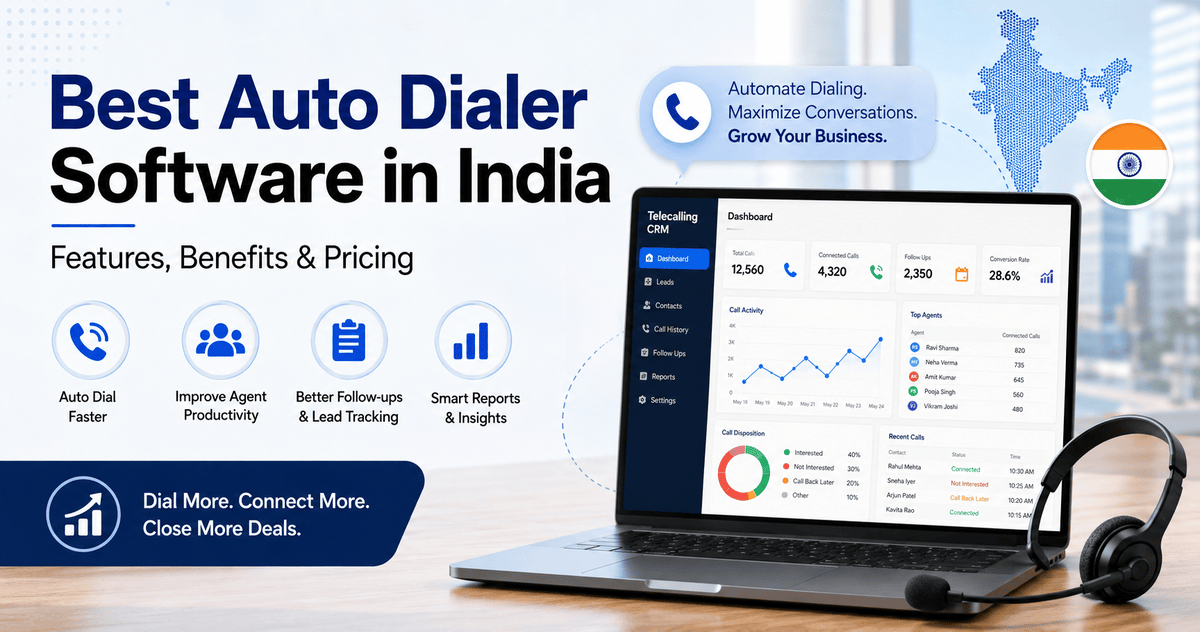
Best Auto Dialer Software in India: Features, Benefits & Pricing
Telecalling teams in India lose a lot of time on tasks that have nothing to do with talking to customers. Agents dial numbers by hand, track who they already called, update spreadsheets, and figure out who needs a follow-up. Auto dialer software fixes this problem. It takes over the dialing and record-keeping, so agents can focus on conversations.
Before choosing a tool, look closely at auto dialer software features. Dialing speed alone does not decide whether the software helps a sales team close more leads. This article explains how auto dialers work and what to look for. It also covers common mistakes teams make and how pricing works in the Indian market.
What Is Auto Dialer Software?
Auto dialer software automatically dials phone numbers from a lead list for a telecaller or call center agent. The agent no longer dials each number by hand. The software connects the call only when a customer picks up. It also logs the call outcome, duration, and notes against the correct lead record.
Most auto dialers in India sit inside a broader telecalling CRM. This way, the dialing function and the lead database work together instead of running as two separate systems.
Why Manual Dialing Slows Sales Teams Down
A telecaller making 100–150 calls a day manually typically deals with:
- Looking up the next number to call from a spreadsheet or register
- Dialing incorrect numbers due to typos
- No record of which leads they already tried that day
- Missed follow-ups, since there is no reminder system
- No easy way for a manager to know how many calls actually happened
None of these problems is difficult by itself. Together, though, they eat into productive calling time. Closing this exact gap is what auto dialer software does.
How Auto Dialer Software Works
An auto dialer sits between the lead list and the phone line. Once a team uploads a list, the software presents numbers to agents, or dials them directly, depending on the mode. It follows a set order, usually based on lead priority or assignment rules. Common dialing modes include:
| Dialer Type | How It Works | Best Suited For |
|---|---|---|
| Preview Dialer | Shows agent the lead details before dialing; agent confirms the call | Complex sales needing context before each call |
| Progressive Dialer | Automatically dials the next number as soon as an agent is free | Steady, one-call-at-a-time outbound calling |
| Power Dialer | Dials through a list back-to-back with minimal gaps | High-volume outbound calling with short call cycles |
| Predictive Dialer | Dials multiple numbers at once based on predicted agent availability | Large call centers with many agents (needs careful TRAI compliance) |
Small and mid-sized Indian sales teams most commonly use progressive or power dialing. Predictive dialing needs more agents to work efficiently. It also carries a higher risk of abandoned calls when a team configures it poorly.
Auto Dialer Software vs Telecalling CRM: What’s the Difference?
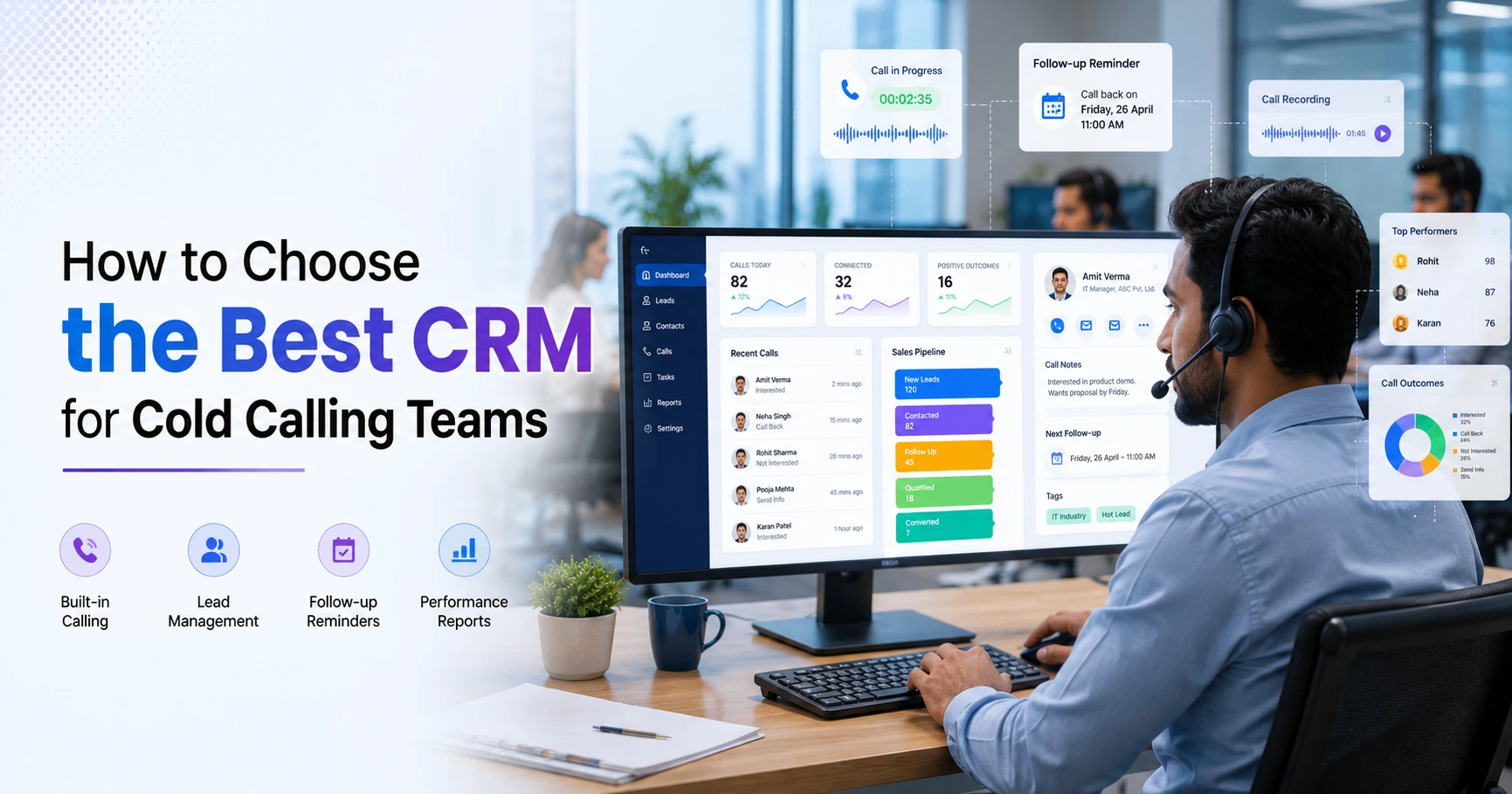
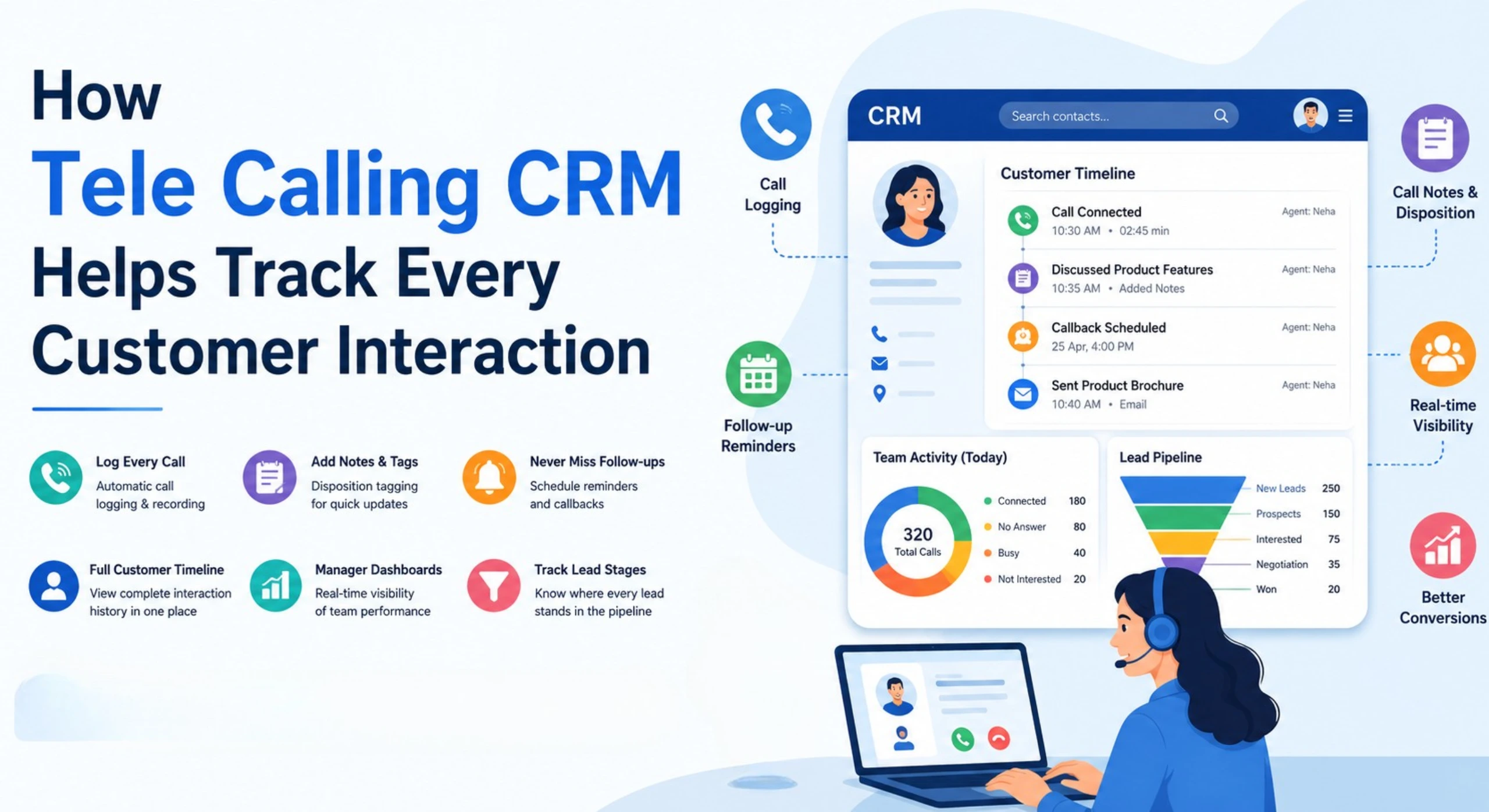
An auto dialer only handles dialing and basic call logging. A telecalling CRM goes further. It includes the auto dialer as one feature, alongside lead management software, follow-up scheduling, pipeline tracking, and reporting. This applies to real estate brokers, education counsellors, insurance agents, and loan DSAs alike. A standalone dialer only solves half the problem for them. Dialing faster does not help much if the team tracks follow-ups and lead history separately.
Key Features to Look For
When evaluating auto dialer software, these features matter more than raw dialing speed:
- Lead list integration: Import leads from Excel, CSV, or directly from sources like Facebook Ads, Google Ads, or property portals
- DNC and calling-hour compliance: Skips Do-Not-Call numbers automatically and restricts calls to permitted hours
- Call recording and logging: Saves every call against the correct lead automatically, without manual entry
- Follow-up scheduling: Sends reminders for the next call so leads don’t go cold
- Lead assignment rules: Distributes leads by round-robin or custom rules so they reach the right agent quickly
- Reporting and dashboards: Shows calls made, connection rate, and agent activity
- Mobile app support: Useful for field sales and remote telecalling teams
- WhatsApp/SMS/Email alongside calling: Lets agents follow up on the same lead through multiple channels from one screen
A tool that offers fast dialing but skips several of these usually targets outbound-only call centers. It does not suit sales teams that manage a full lead lifecycle.
Benefits of Using Auto Dialer Software
The main benefits reported by telecalling and sales teams that switch from manual dialing include:
- More calls per working hour, since agents are not spending time looking up and dialing numbers manually
- Fewer missed follow-ups, because the system reminds agents automatically instead of relying on memory
- Accurate call records, since the software logs duration and outcome without manual data entry
- Better management visibility, through dashboards showing who is calling, how much, and with what results
- Reduced dialing errors, since the software dials the correct number from the lead record every time
- Easier onboarding for new telecallers, since the system guides them to the next lead automatically
These benefits grow when a team pairs the auto dialer with proper lead management software and a CRM for telecallers. An isolated dialing tool cannot deliver the same result on its own.
TRAI and DND Compliance for Auto Dialers in India
This is one area Indian businesses cannot afford to overlook. The Telecom Regulatory Authority of India (TRAI) allows commercial and telemarketing calls only between 9 AM and 9 PM. Telemarketers must also check numbers against the National Customer Preference Register (NCPR/DND) before calling (ClearTouch, 2026).
These rules apply to any business that makes unsolicited commercial calls over Indian telecom networks. This includes banks, NBFCs, insurance companies, real estate firms, and outsourced call centers. When evaluating auto dialer software, check whether it:
- Automatically blocks calls outside permitted hours
- Screens numbers against DND/NCPR lists before dialing
- Keeps a record of consent and call history for audit purposes
A dialer that ignores these checks can expose a business to regulatory complaints. Compliance features are a basic requirement, not an optional extra.
Auto Dialer Software Pricing in India
Pricing for auto dialer and telecalling software in India generally follows one of two models. Per-agent monthly pricing multiplies the cost with every user a team adds. Flat monthly pricing charges a fixed fee that covers a set number of users. Flat pricing tends to suit small and mid-sized businesses that add or reduce telecallers seasonally.
As an example of flat pricing in the market, TeleCallingCRM structures its plans this way:
| Plan | Price | Team Size | Support |
|---|---|---|---|
| Basic | ₹999/month | Up to 5 users | Email support |
| Pro | ₹1,599/month | Up to 10 users | Priority support |
| Enterprise | ₹2,999/month | Up to 20 users | Dedicated manager, API access, 24/7 phone support |
All three plans include the same feature set: auto dialer, lead management, AI call analysis, WhatsApp/SMS/email messaging, and reporting. There are no per-feature add-ons. Teams can also try a 3-day free trial without a credit card.
When comparing vendors, calculate the total monthly cost for your actual team size. Do not rely on the lowest advertised per-user rate. Per-agent pricing often looks cheaper on paper, but it costs more once the whole team joins.
Real-World Examples (Illustrative)
These examples are hypothetical. They illustrate how teams typically use auto dialer software; they are not real case studies.
Real estate: A brokerage that receives leads from property portals and Facebook ads can route them automatically to available agents. The system then dials through the list by priority and schedules a follow-up call for site visits. This shortens the lag between a lead coming in and the first call going out. Teams handling this many leads often choose a real estate-focused CRM with auto dialer built for this workflow.
Education: During admission season, a counselling team can use auto dialing to work through enquiry lists quickly. Follow-up reminders then make sure the team calls undecided students again at the right time, instead of forgetting them.
Insurance: Agents renewing policies or chasing quotes can let the system skip DND numbers and log outcomes automatically. This matters both for compliance and for tracking renewal conversion.
Common Mistakes When Choosing Auto Dialer Software
- Choosing based on dialing speed alone, without checking lead management and reporting
- Ignoring compliance features, which can lead to DND violations and complaints
- Not checking mobile app quality, which matters for field and remote teams
- Overlooking per-user pricing scale-up costs as the team grows
- Skipping the trial period, the only real way to check call quality before committing
Teams that want a structured way to evaluate options can refer to this guide on choosing the right telecalling CRM. It covers dialer, lead management, and integration criteria in more depth.
How TeleCallingCRM Can Help
TeleCallingCRM combines a smart auto dialer with lead management and follow-up scheduling. It also adds pipeline tracking and reporting for Indian sales and telecalling teams. It includes DNC screening, calling-hour controls, and call recording. It also runs AI-based call analysis, such as transcription and sentiment scoring. Agents can send WhatsApp, SMS, and email messages from the same lead timeline.
Plans use a flat, per-team price rather than a per-user price, which keeps costs predictable as a team grows. Teams that want to test the dialer first can start with a 3-day free trial.
Frequently Asked Questions
What is the difference between an auto dialer and a predictive dialer? An auto dialer is a general term for software that dials numbers automatically. A predictive dialer dials multiple numbers at once, based on predicted agent availability. Predictive dialers suit large call centers, but they need careful configuration to avoid abandoned calls.
Is auto dialer software legal in India? Yes, but the business must follow TRAI rules. This means calling only during permitted hours (9 AM–9 PM) and screening numbers against the DND/NCPR list first. Businesses remain responsible for compliance regardless of which software they use.
Can auto dialer software work with a small team of 5 telecallers? Yes. Flat-pricing plans for small teams make auto dialers practical even for a 5-person telecalling setup. They avoid the per-user costs that make some enterprise dialers expensive at small scale.
Does auto dialer software replace a CRM? Not on its own. A standalone dialer only handles calling and basic logging. A telecalling CRM adds lead management, follow-up tracking, and reporting, which most sales teams need.
Do auto dialers work on mobile phones? Many modern auto dialers, including CRM-based ones, offer Android and iOS apps. Field agents and remote telecallers can dial, log calls, and manage follow-ups from their phones.
What features should a small business prioritize in an auto dialer? Lead import, DNC compliance, follow-up reminders, and basic reporting matter more for small teams. Advanced features like predictive dialing suit high-volume call centers instead.
How much does auto dialer software cost in India? Costs vary by vendor and pricing model. Per-agent pricing scales with team size. Flat monthly pricing, such as plans starting near ₹999/month for small teams, keeps costs fixed within the plan’s user limit.
Conclusion
Auto dialer software solves a real problem for Indian telecalling teams: the time and errors that come from dialing manually. But the dialer alone only goes so far. It works best when a team pairs it with proper lead management, follow-up tracking, and compliance controls. That is why a full telecalling CRM serves most businesses better than a standalone dialing tool.
Before deciding, compare auto dialer software pricing plans against your actual team size and calling volume. This keeps the cost predictable as the team grows.