Introduction
A tenant asks to shift from a triple-sharing room to a single room on the 16th. You say yes, because a happy tenant is worth keeping. Then the questions start. Do they pay the new rent from today or from the next month? What about the half month already paid? And what happens to the deposit?
This is where the PG rent adjustment either goes smoothly or turns into an argument. Most owners work it out on the spot, and that’s usually where the mistakes creep in.
In this guide, you’ll learn a simple way to calculate rent when a tenant changes rooms, how to handle deposits and other charges, and how to keep clean records. We’ll also look at how PG and hostel management software like PGCRM can help you manage room shifts without the mess.
What Is a PG Rent Adjustment?
A PG rent adjustment is a change to a tenant’s rent, or to the amount they owe, because they moved to a different room or bed mid-cycle. You charge each room’s rent for the days the tenant stayed in it, then settle the difference as an extra payment or a credit.
Rooms don’t all cost the same. An AC single room costs more than a non-AC triple-sharing one. So when someone moves, the bill has to reflect that fairly and clearly.
Why Room Changes Lead to Billing Mistakes
Room shifts look simple, but a few things trip people up.
- The shift happens mid-cycle, so two different rents apply in one month.
- Nobody notes the exact shift date, and later two people remember two different days.
- The deposit differs between rooms, and no one says what happens to the difference.
- Extras change too, like AC charges, meals, or electricity.
- The change is agreed upon verbally. Weeks later, the tenant remembers one thing, and you remember another.
Put together, it’s a recipe for a small fight over a few hundred rupees. And those small fights are the ones that make good tenants leave.
Types of Room Changes You’ll See in a PG
Not every shift needs the same handling. Here are the common ones.
Upgrade to a costlier room.
The tenant moves to a single room, an AC room, or a bigger bed setup. The rent goes up from the shift date, and the deposit may need a top-up.
Downgrade to a cheaper room.
The tenant moves from a single room to sharing, usually to save money. The rent goes down from the shift date, and you may owe a credit.
Same-price swap
Two tenants swap beds, or someone moves to a room with the same rent. Usually no money changes hands, but you should still update your records.
Shift after a complaint or repair
Sometimes you move a tenant because of a maintenance issue. In that case, think about whether the tenant should pay any difference at all. That’s a goodwill call, but write it down either way.
Step-by-Step: How to Do a PG Rent Adjustment
Here’s a method that works for most PGs.
- Agree on the shift date. Note the exact day the tenant moves.
- Find the old and new monthly rent.
- Work out the daily rate for each room. Divide the monthly rent by 30, or by the actual days in the month, whichever rule you already follow.
- Count the days in each room. Decide whether the shift day belongs to the old room or the new one, and stay consistent.
- Calculate rent for each room and add the two together.
- Subtract what the tenant has already paid for the month.
- Settle the balance. The tenant pays the extra, or you carry forward a credit.
- Update the room, rent, and deposit in your records, and share the working with the tenant.
Worked example: upgrade (illustrative)
This is an example, not real data. A tenant pays ₹5,000 a month in a triple-sharing room and moves to a single room at ₹8,000 on the 16th of a 30-day month. They have already paid ₹5,000 for the month.
- Old room: ₹5,000 ÷ 30 × 15 days (1st to 15th) = ₹2,500
- New room: ₹8,000 ÷ 30 × 15 days (16th to 30th) = ₹4,000
- Total for the month: ₹6,500
- Already paid: ₹5,000
- Balance to collect: ₹1,500
From next month, the tenant simply pays ₹8,000.
Worked example: downgrade (illustrative)
Now reverse it. A tenant moves from the ₹8,000 room to the ₹5,000 room on the 16th, after paying ₹8,000.
- Old room: 15 days × ₹8,000 ÷ 30 = ₹4,000
- New room: 15 days × ₹5,000 ÷ 30 = ₹2,500
- Total: ₹6,500
- Already paid: ₹8,000
- Credit: ₹1,500
You can adjust this credit against next month’s rent or refund it. Tell the tenant which one you’re doing, and record it.
Two Ways to Settle the Difference
Once you know the number, you have a choice.
| Option | How it works | Best when |
|---|---|---|
| Settle now | Tenant pays the extra (or you refund the credit) at the time of the shift | The amount is large, or the tenant prefers to clear it |
| Carry forward | The difference is added to (or deducted from) next month’s rent. | The amount is small, and both sides agree. |
Whichever you choose, put it in writing. A short message such as “₹1,500 extra for the shift, to be paid with next month’s rent” is enough.
What About the Security Deposit?
Deposits are where PG rent adjustment gets awkward, because rooms often carry different deposits.
If the deposit is the same
Nothing changes. Just update the record so it shows the tenant now sits in the new room.
If the new room needs a higher deposit
Ask the tenant to top up the difference. Record the extra amount separately with the date, so the total deposit is clear.
If the new room needs a lower deposit
Decide whether to refund the difference now or hold the full amount until the tenant leaves. Either is fine, as long as you tell the tenant before they move.
The one rule to follow: never mix deposit with rent in a single entry. Keep them apart, always.
Other Charges That Can Change
Rent isn’t the only thing that shifts with a room. Check these too.
- AC or cooler charges, if only some rooms have them
- Attached bathroom or single occupancy premiums
- Electricity share, if you bill by room
- Meal plans, if they differ by room type
- Furniture or locker charges
If any of these apply, add them to the daily-rate calculation for each room, or bill them separately with clear labels.
Set a Room Change Policy Before Anyone Asks
The best way to avoid disputes is to decide the rules in advance. Here’s what a simple policy might cover.
- Can tenants change rooms at all, and how often?
- Is there a fee for shifting?
- Does the shift date need approval, and from whom?
- How is the first and last day counted?
- Is the daily rate based on 30 days or actual days?
- How are deposit differences handled?
- Must the tenant give notice before shifting?
Print it, put it in your tenant agreement, and share it at joining. If you already have a mid-month joining rule, use the same method for room changes. That way you only have one system to remember.
A Quick Checklist for Every Room Shift
Keep this handy for your manager.
- Get the request in writing, even a WhatsApp message.
- Confirm the new room is actually free and ready.
- Note the shift date and time.
- Calculate the adjustment and show the working.
- Settle the balance or record the carry-forward.
- Handle any deposit difference separately.
- Update the tenant’s room and rent in your records.
- Share a receipt or confirmation message.
Common Mistakes in PG Rent Adjustment
Skipping the paperwork
A verbal “sure, move whenever” is easy to say and hard to prove. Always write it down.
Changing the rent for the whole month
Some owners charge the new, higher rent for the entire month or the old, lower rent for the entire month. Neither is fair. Charging each room for the days used is cleaner.
Forgetting to update the records
The tenant moves, but the register still shows the old room. Next month, the wrong rent gets billed, and you’re back at square one.
Not telling the tenant the number
Springing a surprise charge on someone is a quick way to lose their trust. Show the calculation before they move.
Ignoring the empty bed
When a tenant leaves a bed, it’s free for someone else. Update your occupancy right away so you can fill it fast.
How PG Management Software Makes Room Changes Easier
You can do all of this with a notebook and a calculator. But the more tenants you have, the more chances there are for a slip.
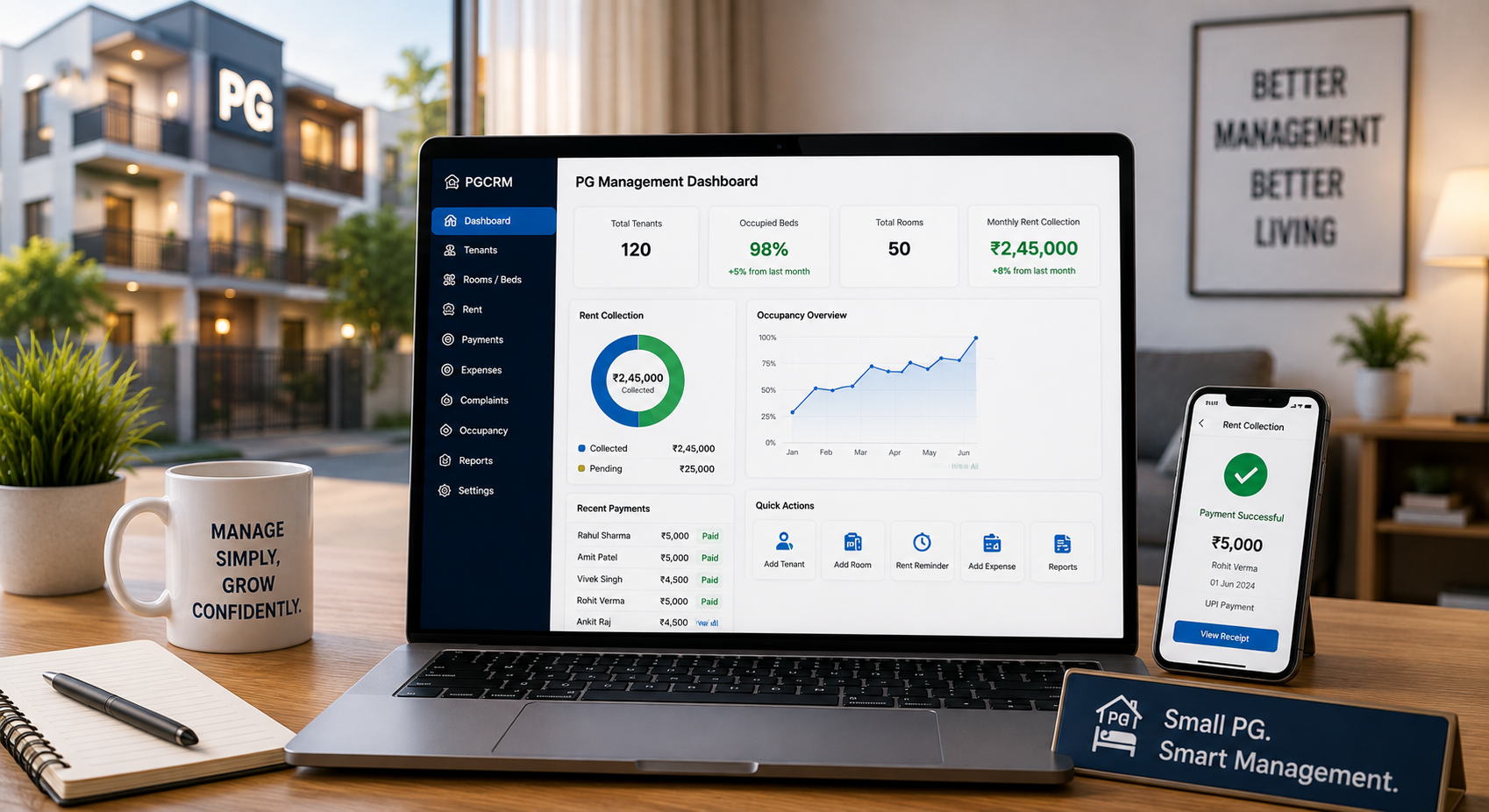
Using PG management software such as PGCRM can help owners keep tenant details, room and bed information, and rent records in one place. Going by the PGCRM website, it includes:
- Room shifts, vacates and settlements, so mid-stay changes have a proper place in the system
- Buildings, floors, rooms and beds, with each bed showing as full, free or under repair
- Monthly or join-date billing cycles, with automatic invoices
- Deposits, fines and clean refunds, kept apart from rent
- Rent collection by cash or UPI, with each payment linked to a tenant
- Tenant records with full stay history, so you can look back at when someone moved
You’ll still decide the policy and check the numbers. The software gives you one reliable record to work from, which is half the battle.
FAQ
How do you calculate rent when a tenant changes rooms in a PG?
Work out the daily rate for the old and new rooms by dividing each monthly rent by 30 or the actual days in the month. Multiply each by the days spent in that room and add them. Subtract what the tenant has already paid to find the balance.
Should a tenant pay the new room’s rent for the whole month?
Usually not. It’s fairer to charge each room for the days the tenant actually stayed in it. Some PGs prefer to apply the new rent only from the next billing cycle. Choose one approach, put it in your policy, and apply it to everyone.
What happens to the security deposit when a tenant shifts rooms?
If the deposit is the same, just update the record. If the new room needs a higher deposit, collect the difference and note it separately. If it’s lower, decide whether to refund the difference now or hold it until the tenant leaves, and tell the tenant in advance.
Can a PG charge a fee for changing rooms?
It’s your policy decision. Some PGs charge a small fee; others allow one free shift. If you do charge, state it in the tenant agreement and mention it before the shift. Surprise fees create disputes, so clarity is more important than the amount.
How do I handle rent adjustments if a tenant moves to a cheaper room?
Calculate rent for each room by days stayed. If the tenant has paid more than the total, the difference is a credit. You can either refund it or adjust it against the next month’s rent. Tell the tenant which one you’re doing and keep a written record.
How do I avoid disputes over PG rent adjustment?
Set a written room change policy, agree on the shift date in writing, and show the calculation before the move. Keep rent and deposit as separate entries and update your records the same day. Clear documents settle most disagreements quickly.
Can PG management software handle room shifts?
Some can. PGCRM lists room shifts, vacates and settlements among its features, along with billing cycles, deposits and tenant records. Before choosing any tool, check how it handles room changes, deposits and refunds so it fits the way your PG works.
Conclusion
PG rent adjustment doesn’t have to be stressful. Agree on the shift date, charge each room for the days used, keep the deposit separate, and share the working with your tenant. A written policy and a tidy record do most of the work.
If you’d like room shifts, rent and deposits handled in one place, explore PGCRM to simplify your PG and hostel management.