Introduction
Empty beds directly translate to lost revenue, yet many PG owners don’t track occupancy closely enough to notice a slow decline until it becomes a real problem. Understanding your PG occupancy rate is one of the simplest ways to measure how well your property is performing and where you might be losing potential income.
This article explains what PG occupancy rate means, how to calculate it accurately, what a healthy occupancy rate looks like, and practical strategies to improve it. You’ll also see how PG and hostel management software can help owners track occupancy more consistently across rooms and buildings.
What Is PG Occupancy Rate?
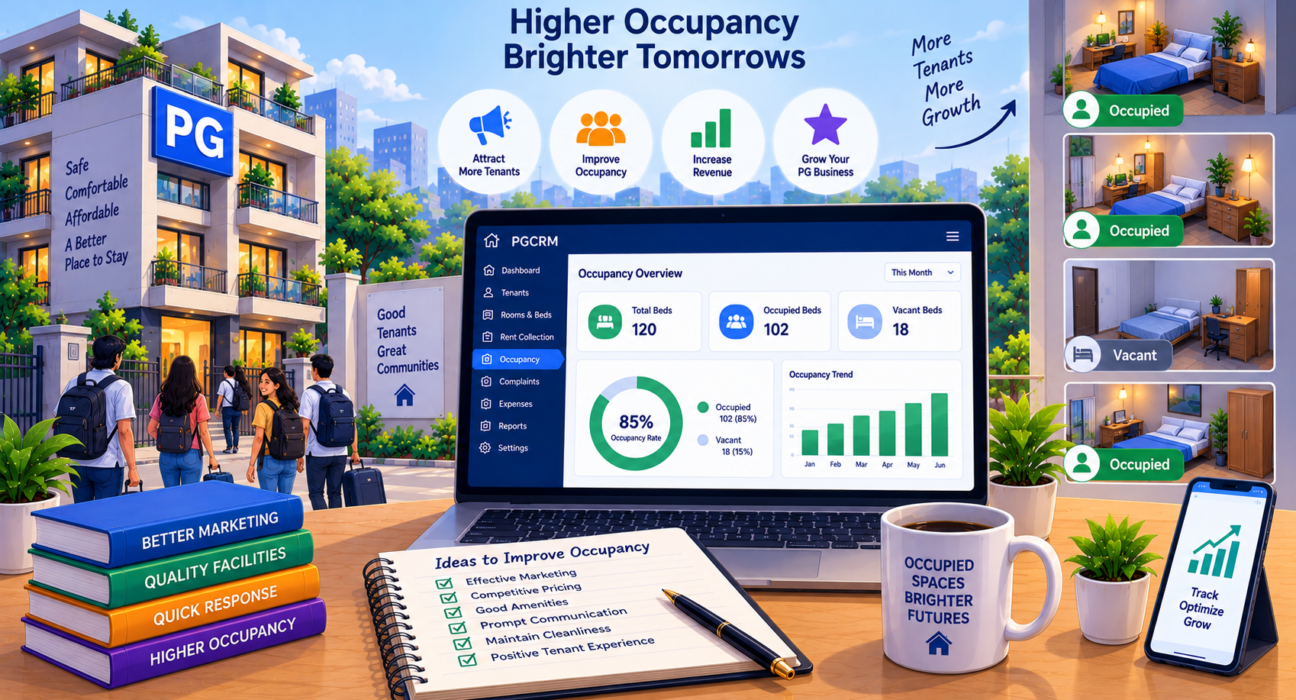
PG occupancy rate is the percentage of available beds or rooms that are currently occupied by paying tenants, out of the total beds or rooms available in the property. It’s a straightforward way to measure how effectively a PG is utilising its capacity.
A high occupancy rate generally indicates strong demand and effective tenant retention, while a low occupancy rate signals unused capacity and potential revenue loss.
How to Calculate PG Occupancy Rate
PG occupancy rate is calculated by dividing the number of occupied beds by the total number of available beds, then multiplying by 100 to get a percentage.
The formula is:
Occupancy Rate (%) = (Occupied Beds ÷ Total Available Beds) × 100
Example Calculation
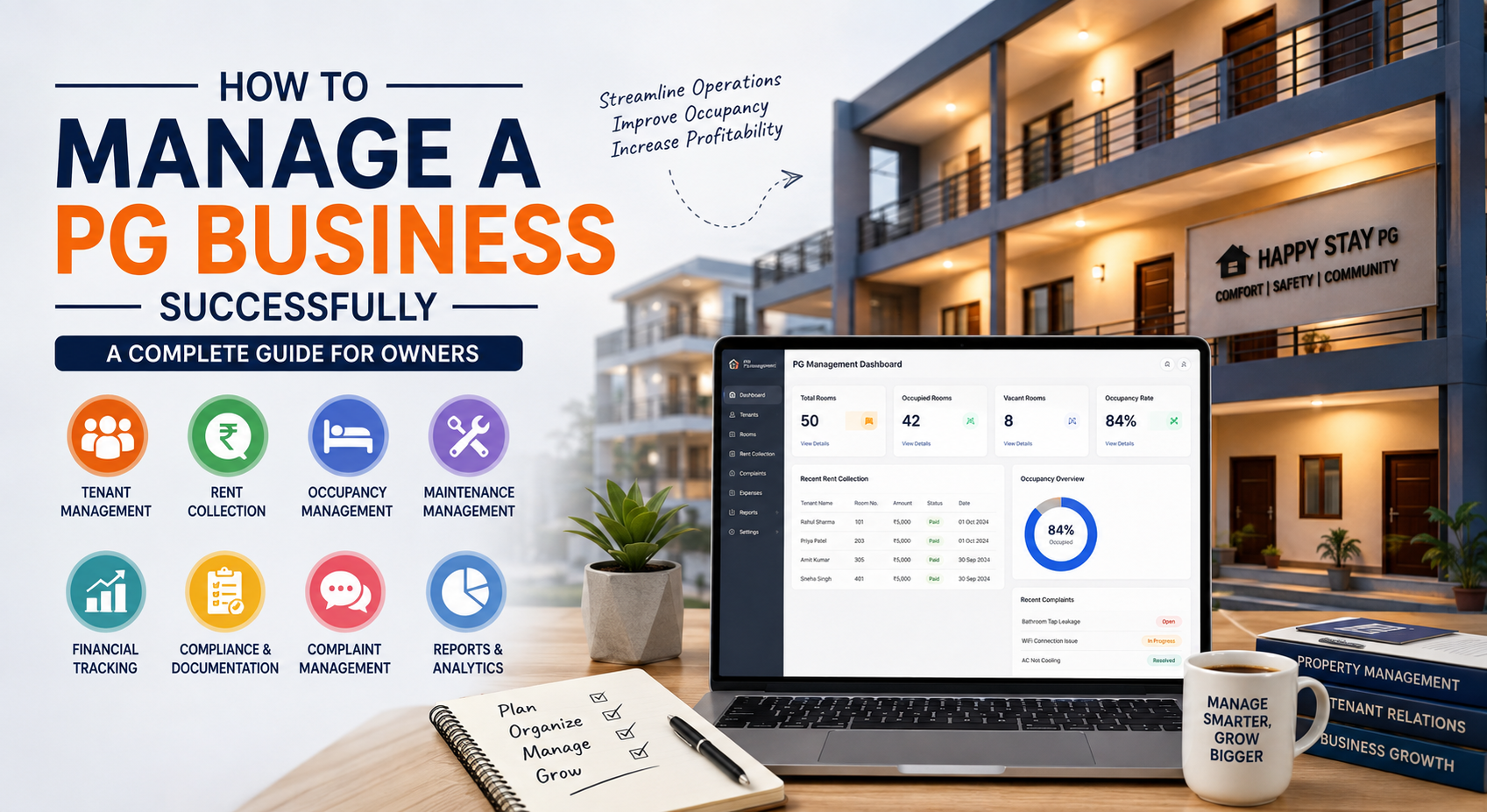
Suppose your PG has 50 total beds, and currently 42 of them are occupied.
Occupancy Rate = (42 ÷ 50) × 100 = 84%
This means 84% of your available capacity is generating rental income, while 16% remains vacant.
Calculating Occupancy Across Multiple Buildings
If you manage multiple PG properties, you can calculate occupancy for each building separately, as well as an overall combined rate:
| Building | Total Beds | Occupied Beds | Occupancy Rate |
|---|---|---|---|
| Building A | 30 | 27 | 90% |
| Building B | 40 | 30 | 75% |
| Building C | 20 | 18 | 90% |
| Combined | 90 | 75 | 83.3% |
Tracking occupancy by building, rather than only as a combined figure, helps identify which specific property needs attention.
Why Tracking Occupancy Rate Matters
Occupancy rate isn’t just a number for record-keeping it directly impacts your PG’s revenue and helps guide business decisions.
Tracking it regularly helps owners:
- Identify revenue gaps caused by vacant beds
- Spot seasonal patterns, such as lower occupancy during certain months
- Evaluate marketing effectiveness when trying to attract new tenants
- Compare performance across different buildings or room types
- Make informed pricing decisions, since consistently low occupancy may indicate rent is priced too high for the local market
- Plan renovations or upgrades for underperforming rooms
Without tracking this metric, vacant beds can go unnoticed for longer than necessary, quietly reducing monthly income.
What Is a Good Occupancy Rate for a PG?
There’s no single universal benchmark, since occupancy expectations vary by location, PG category, and season. However, many well-managed PGs aim for occupancy rates in the 85–95% range, since maintaining 100% occupancy at all times is often unrealistic due to natural tenant turnover.
Consistently low occupancy — well below 70–75%, sustained over multiple months — is usually a sign that something needs attention, whether it’s pricing, property condition, location factors, or marketing visibility.
Common Reasons for Low PG Occupancy
- Uncompetitive pricing compared to similar PGs in the area
- Poor property condition, such as maintenance issues or outdated facilities
- Limited visibility, if the PG isn’t listed on relevant platforms or doesn’t get referrals
- Inconvenient location relative to colleges, offices, or transport
- Negative tenant experiences, leading to poor word-of-mouth or reviews
- High tenant turnover, where tenants leave frequently, and beds stay vacant during transitions
- Lack of amenities that competing PGs offer, such as reliable Wi-Fi or meal options
Identifying which of these factors applies to your property is the first step toward improving occupancy.
Practical Strategies to Improve PG Occupancy Rate
1. Review and Adjust Pricing
Compare your rent pricing with similar PGs in your area. If occupancy is consistently low despite a good location and condition, your pricing may be misaligned with what tenants are willing to pay.
2. Improve Property Condition and Amenities
Small upgrades better Wi-Fi, cleaner common areas, improved security can make a meaningful difference in attracting and retaining tenants, especially in competitive markets.
3. Reduce Tenant Turnover
Focus on tenant satisfaction to encourage longer stays. Addressing complaints promptly and maintaining good communication reduces the frequency of vacancies caused by tenants leaving.
4. Increase Visibility
List your PG on relevant property or PG listing platforms, encourage satisfied tenants to refer friends or colleagues, and maintain updated information about availability.
5. Minimise Vacancy Gaps Between Tenants
When a tenant gives notice, start looking for a replacement immediately rather than waiting until the room is empty. Reducing the gap between tenants directly improves occupancy over time.
6. Track Occupancy Consistently
You can’t improve what you don’t measure. Reviewing occupancy rates monthly, and by building if you manage multiple properties, helps you catch declining trends early rather than after months of lost revenue.
7. Gather Tenant Feedback
Understanding why tenants leave through simple exit conversations can reveal recurring issues affecting occupancy that might not be obvious otherwise.
Manual vs Software-Based Occupancy Tracking
| Aspect | Manual Tracking | Software-Based Tracking |
|---|---|---|
| Accuracy | Prone to outdated or missed updates | Reflects real-time bed status |
| Multi-property visibility | Difficult to consolidate | Easier to view occupancy across buildings |
| Historical trends | Hard to compare over time | Easier to track patterns month to month |
| Time required | Manual counting and updating | Automatically reflects current occupancy |
| Decision-making | Based on estimates or memory | Based on accurate, current data |
For a single small PG, manual tracking might be sufficient. As the number of rooms, beds, or properties grows, maintaining accuracy manually becomes increasingly time-consuming.
How PGCRM Helps With Occupancy Tracking
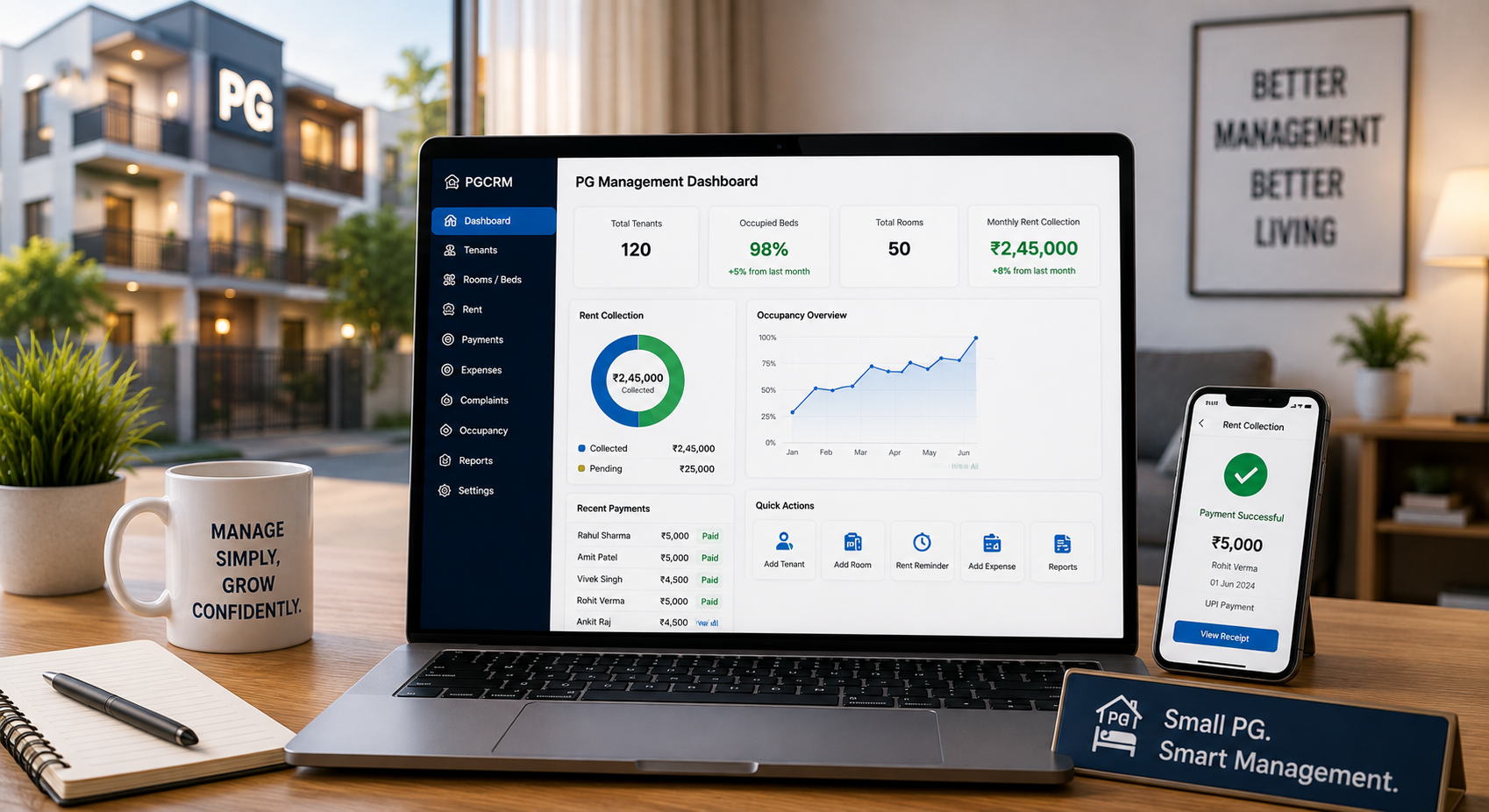
Using PG management software such as PGCRM can help owners centralise room and bed management, occupancy tracking, and tenant records, making it easier to see real-time occupancy status without manually counting vacant beds across buildings.
PGCRM is a PG and hostel management platform that helps owners manage occupancy alongside rent tracking and tenant information in one place. For owners managing multiple buildings or a large number of rooms, having a clear, centralised view of occupied and vacant beds makes it significantly easier to identify gaps and respond quickly, rather than discovering low occupancy only when reviewing monthly revenue.
Setting an Occupancy Review Routine
Improving occupancy isn’t a one-time fix; it benefits from regular review. Consider a simple routine:
- Weekly: Check current occupancy status and upcoming vacancies (tenants who’ve given notice).
- Monthly: Calculate and record the occupancy rate for each building or property.
- Quarterly: Review trends over the past few months and identify any consistent decline.
- As needed: Investigate specific rooms or buildings with persistently low occupancy compared to others.
This kind of consistent review helps owners respond to occupancy issues proactively rather than reactively.
FAQ: PG Occupancy Rate
How do you calculate PG occupancy rate? PG occupancy rate is calculated by dividing the number of occupied beds by the total number of available beds, then multiplying by 100. For example, 42 occupied beds out of 50 total beds gives an occupancy rate of 84%.
What is considered a good occupancy rate for a PG? While it varies by location and PG type, many well-managed PGs aim for occupancy rates between 85% and 95%. Consistently low occupancy, sustained well below 70–75%, usually signals an underlying issue that needs attention.
Why is my PG occupancy rate low despite a good location? Low occupancy despite a good location could point to uncompetitive pricing, limited visibility on listing platforms, poor property condition, or a lack of amenities compared to nearby PGs. Reviewing tenant feedback can help identify the specific cause.
How often should PG owners track occupancy rate? Reviewing occupancy weekly for immediate visibility and calculating the formal rate monthly is a practical routine. This allows owners to catch declining trends early and respond before vacancies significantly affect revenue.
Does tenant turnover affect PG occupancy rate? Yes, frequent tenant turnover can lower average occupancy if there are gaps between one tenant leaving and a new tenant moving in. Minimising this gap by actively finding replacements in advance helps maintain higher occupancy.
Can PG management software help improve occupancy rate? Software itself doesn’t fill vacant beds, but it helps owners track occupancy accurately and in real time, making it easier to spot vacancies quickly and take corrective action, such as adjusting pricing or increasing marketing efforts, sooner rather than later.
Should occupancy rate be tracked separately for each building? Yes, if you manage multiple properties, tracking occupancy by building rather than only as a combined average helps identify which specific location is underperforming, allowing for more targeted improvements.
Conclusion
Understanding and regularly tracking your PG occupancy rate gives you a clear, measurable way to assess how well your property is performing and where revenue might be slipping through unnoticed vacancies. Combining accurate tracking with practical strategies competitive pricing, tenant retention, and improved visibility can help maintain healthier occupancy over time.
For owners managing multiple rooms or buildings, keeping occupancy data organised alongside tenant and rent information becomes increasingly valuable. Exploring PGCRM can help simplify occupancy tracking as part of your overall property management. Explore PGCRM to simplify your PG and hostel management.