Introduction
You can’t be at your PG all day, every day. So you rely on a manager, a cook, a cleaner, or maybe a security guard. But how do you know if they’re doing a good job? Most owners judge by gut feeling, or worse, by whoever complains the loudest.
That works for a while. Then a tenant leaves because a leaking tap stayed broken for two weeks, and you wonder where things went wrong.
Measuring PG staff productivity doesn’t need fancy targets. It needs a few clear numbers for each role and a simple habit of checking them. In this guide, you’ll learn what to measure, how to track it, and how PG and hostel management software like PGCRM can make the job easier.
What Is PG Staff Productivity?
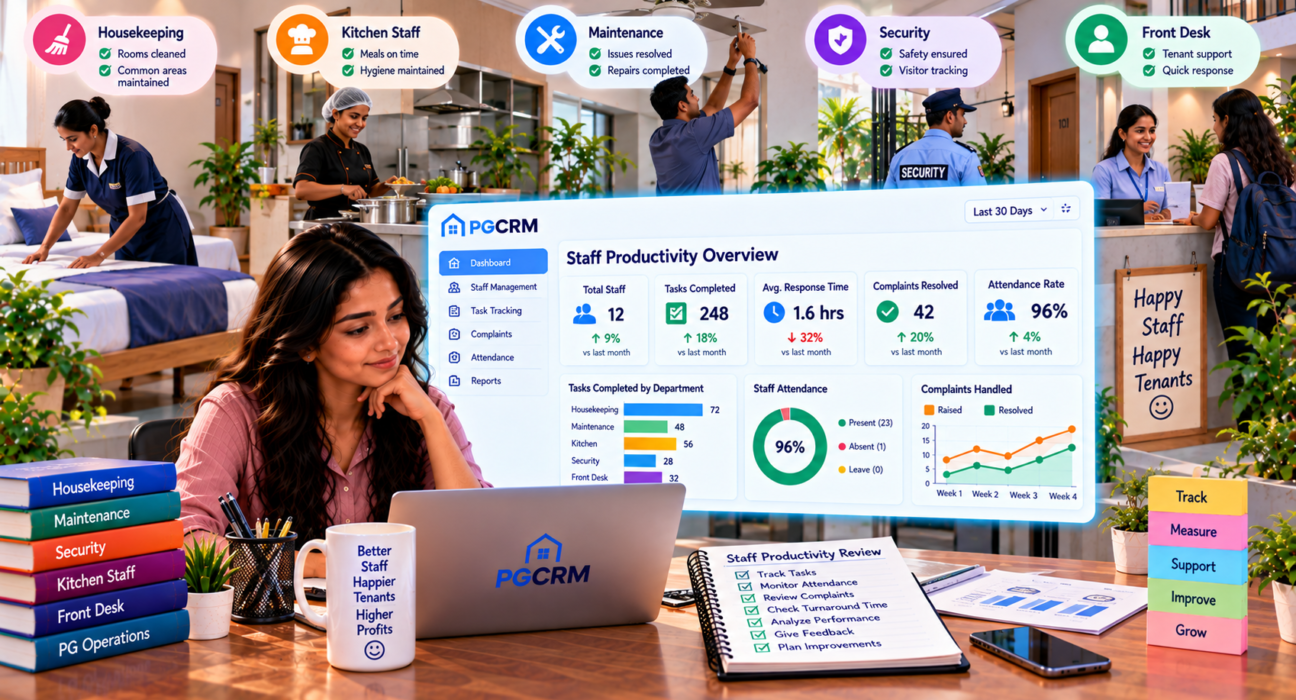
PG staff productivity is how well your team gets the right work done, on time and to a good standard. In a PG, that means quick complaint handling, clean rooms, timely meals, accurate records and on-time rent follow-up. It’s about results and quality, not just how many hours someone stays at the property.
That last part matters. A manager who sits at the desk from 9 to 9 isn’t automatically productive. A manager who closes complaints fast, keeps records tidy and fills empty beds quickly probably is.
Why Measuring Staff Productivity in a PG Is Tricky
A factory can count units made. A sales team can count deals closed. A PG doesn’t work like that.
Much of the work is invisible when it’s done right. Nobody notices a clean corridor. Nobody thanks the cook for a meal that was on time. You only hear about the job when something goes wrong.
On top of that, different roles have very different jobs:
- Manager or warden: tenants, rent follow-up, records, complaints
- Cook or kitchen staff: meals, hygiene, quality
- Housekeeping: cleanliness of rooms, bathrooms and common areas
- Maintenance staff: repairs and upkeep
- Security: entry, safety, visitor control
You can’t judge all of them with one yardstick. That’s why the first step is to treat each role separately.
Step-by-Step: How to Measure PG Staff Productivity
Here’s a simple process you can start this week.
- Write down each person’s main duties. Keep it to five or six points per role.
- Pick two or three measurable things for each role. Don’t go overboard.
- Note where things stand today. Track for a month before you set any targets. This is your baseline.
- Track daily or weekly. Small, regular checks beat a big review once a year.
- Review monthly, and talk to your staff. Share the numbers and ask what’s getting in their way.
- Adjust and repeat. Change what you measure if it isn’t telling you anything useful.
It’s not rocket science. The trick is to keep it simple enough that you’ll actually do it.
What to Measure for Each Role
Here’s a practical starting point. Use it as a guide and change it to suit your PG.
| Role | What to measure | How to check it |
|---|---|---|
| Manager | Rent collected on time, pending list, complaint closure, record accuracy | Rent records, pending list, complaint log |
| Cook / kitchen | Meal timing, tenant feedback, kitchen cleanliness | Weekly tenant feedback, surprise checks |
| Housekeeping | Room and washroom cleanliness, schedule followed | Simple checklist, photo or walk-through |
| Maintenance | Time to fix, repeat repairs on the same issue | Complaint log with dates |
| Security | Entry log completeness, incidents handled | Register or visitor log, incident notes |
Now let’s look at the most useful measures in a bit more detail.
Complaint response and closure time
This is the single best window into how a PG is running. Track two things:
- How long does it take to acknowledge a complaint?
- How long does it take to close it?
Also watch for reopened complaints. If the same tap is “fixed” three times, the job wasn’t really done.
Complaint management tools help because every issue gets a date, a priority and a status. PGCRM, for example, lets you log issues, set priority and close them with a clear status trail, so you can see at a glance what’s open and what’s stuck.
Rent follow-up and collection
If your manager handles rent, look at:
- What share of tenants pay on or before the due date
- How long the pending list stays long
- Whether every payment, cash or UPI, is recorded the same day
This isn’t about squeezing tenants. It’s about making sure follow-up actually happens. Automatic rent reminders take some of the load off, so your manager can spend time on the tenants who really need a personal call.
Record accuracy
Bad records cost real money. Check a few random tenants each month:
- Is the KYC complete?
- Is the joining date correct?
- Does the rent recorded match the rent received?
- Are deposits and fines written down properly?
If you find two or three errors in a sample of ten, you’ve found a training problem, not a people problem.
Handling vacancies
A good manager doesn’t wait for a bed to empty before thinking about the next tenant. Look at how quickly empty beds get filled and whether enquiries get followed up. Keeping a live view of occupancy makes this easy to check, because you can see which beds are free without asking anyone.
Tenant feedback
The proof of the pudding is in the eating, as they say. Your tenants live with your staff’s work every day. Ask a few of them, every month, simple questions:
- Are meals on time and good?
- Are rooms and washrooms kept clean?
- When you raise an issue, does it get fixed?
Keep it short and friendly. Three or four questions are plenty.
Attendance and punctuality
Don’t overdo this one, but do keep a basic record. Irregular attendance often points to a bigger issue such as stress, poor pay, or unclear duties. Use it to start a conversation, not to build a case.
A Simple Example
This is an illustrative example, not real data.
Say you run a 40-bed PG with one manager. For a month, you track just three things:
- Complaints raised: 22
- Complaints closed within two days: 15
- Complaints reopened: 4
That’s about two-thirds closed on time and a handful coming back. You now have a real conversation to have. Maybe repairs are slow because the plumber is hard to reach. Maybe the manager isn’t following up. Either way, you’re talking about facts and not feelings.
Next month, you aim to close a few more within two days and bring reopened ones down. Small, clear goals like these work better than a vague “be more responsive”.
Common Mistakes When Measuring PG Staff Productivity
Even well-meaning owners trip up here. Watch out for these.
Measuring too many things
If you track fifteen numbers, you’ll follow none of them. Two or three per role is plenty.
Using numbers only to punish
If staff feel the numbers are a stick, they’ll hide problems or fudge records. Use them to spot where people need help, training or tools.
Counting hours instead of results
Someone who stays late but leaves work half done isn’t more productive than someone who finishes well and goes home on time.
Comparing unlike roles
The cook and the security guard have different jobs. Compare each person against their own past performance, not against each other.
Ignoring tenant voices
Your tenants see things you can’t. Their feedback is the best reality check you have.
Forgetting to say “well done”
Productivity isn’t only about fixing weak spots. When someone does great work, say so. A little recognition goes a long way in keeping good people.
Fairness Matters as Much as Numbers
Before you measure anyone, make sure they know what’s expected of them. It isn’t fair to judge someone against rules they never heard.
A few basics:
- Share the duties and the measures upfront.
- Give staff the tools they need. A manager can’t keep clean records with a torn register.
- Explain that the goal is to make the PG run better, not to catch people out.
- Ask for their ideas. The person doing the job often knows the fix.
When staff feel trusted, productivity usually follows.
How PG Management Software Supports Staff Productivity
Software won’t make a lazy person hard-working. But it removes a lot of friction, and it makes good work visible.
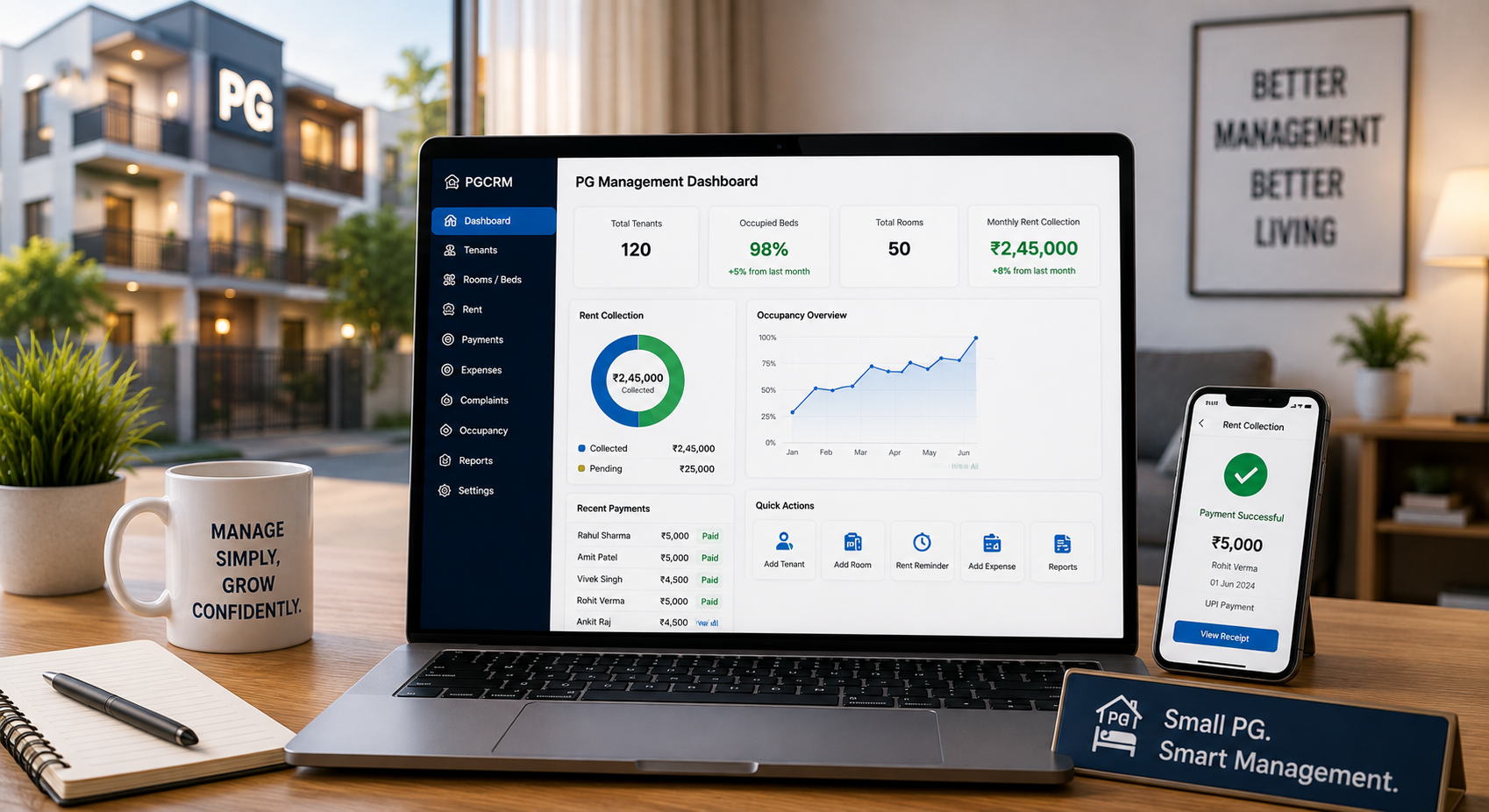
Using PG management software such as PGCRM can help owners keep tenant records, rent status, complaints, expenses and occupancy in one place. In practice, that means:
- A clear complaint trail. You can see what’s open, what’s closed and what’s overdue.
- A live pending list. You know who hasn’t paid without chasing your manager for an update.
- Less manual work. Automatic rent reminders free up your team’s time for things that need a human touch.
- Manager logins. Staff can have their own login with only the access they need, so the right people see the right information.
- Reports. Occupancy, income and expense reports help you review the month with real numbers.
The bigger win is that you no longer depend on someone’s memory or a stack of notebooks to know what’s going on.
A Simple Monthly Review Routine
Here’s a routine you can finish in under an hour.
- Look at open and closed complaints, and note any that are stuck.
- Check rent collection and the pending list.
- Pick a few tenant records and look for errors.
- Review occupancy and how fast empty beds are getting filled.
- Read the tenant feedback.
- Sit down with each staff member. Share what’s going well, what needs work, and ask what they need from you.
Do this every month, and you’ll always have your finger on the pulse.
FAQ
How do you measure staff productivity in a PG?
Pick two or three measurable duties for each role, such as complaint closure time for a manager or cleanliness checks for housekeeping. Track them weekly, review them monthly, and add tenant feedback. Focus on results and quality, not just hours worked.
What are good KPIs for PG staff?
Useful KPIs include complaint closure time, reopened complaints, on-time rent collection, record accuracy, cleanliness scores, meal feedback and attendance. Choose only a few per role. Too many KPIs make the whole exercise confusing and hard to follow.
How can I track my PG manager’s performance?
Look at complaint handling, rent follow-up, record accuracy and how quickly empty beds are filled. Ask a few tenants for feedback too. Using PG management software gives you a clear view of complaints, pending rent and occupancy without having to ask for updates.
How often should I review staff performance in a PG?
Check key numbers weekly and hold a proper review once a month. Small, regular check-ins catch problems early. A yearly review alone is too slow for a business where issues affect tenants every single day.
Can PG management software improve staff productivity?
It can help by reducing manual work, keeping records in one place and making tasks visible. Features like complaint tracking, rent reminders and reports give your team clarity. The software supports your staff, but good training and clear expectations still matter.
How do I motivate PG staff without pushing too hard?
Set clear duties, give them the right tools, and explain why the numbers matter. Recognise good work openly and listen to their ideas. Staff who feel respected and fairly treated usually work better than those who feel watched.
Conclusion
PG staff productivity comes down to a few simple things: know what each role is meant to do, measure two or three things that show whether it’s happening, and talk about the results with your team. Skip the complicated systems. Start small, stay consistent, and keep it fair.
If you want to see complaints, rent, tenants, and occupancy in one place, explore PGCRM to simplify PG and hostel management.