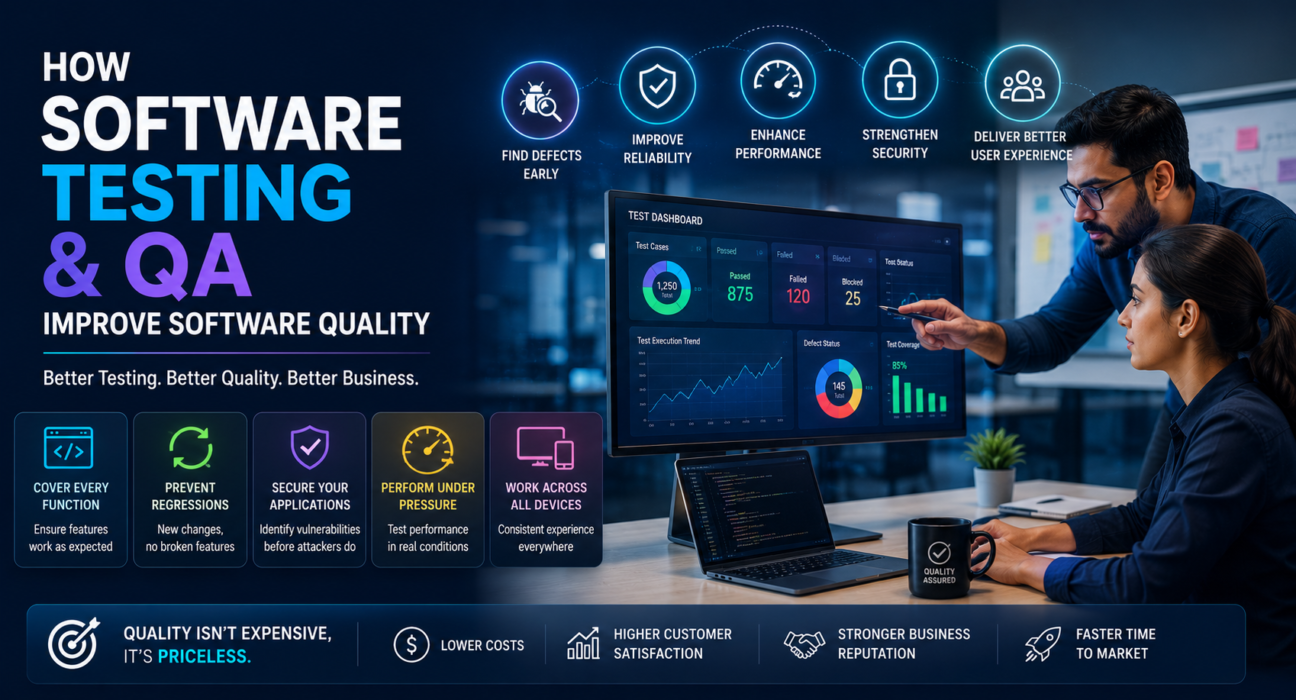
Every software product, no matter how well designed, is only as good as the process behind it. A sleek interface or a clever feature set means little if the application crashes under real-world use, exposes user data, or breaks every time a new update ships. This is where software testing and QA come in.
For startups shipping their first MVP and enterprises maintaining complex systems alike, the question isn’t whether to test software — it’s how to do it well enough to catch problems before customers do. This article explains what software testing and QA actually involve, how they improve software quality, and what businesses should look for when building or outsourcing a QA process.
What Is Software Testing and QA, Exactly?
Software testing is the process of executing an application to find defects, verify it behaves as expected, and confirm it meets requirements before release.
Quality assurance (QA) is broader. It’s the set of processes, standards, and practices that prevent defects from being introduced in the first place – covering everything from requirement reviews to coding standards to release checklists.
In short: testing finds bugs. QA prevents them. A mature software development process needs both working together, not one instead of the other.
Why Software Testing and QA Matter for Business Outcomes
Poor software quality isn’t just a technical inconvenience – it has direct business consequences:
- Lost revenue from downtime, failed transactions, or abandoned carts caused by bugs.
- Damaged reputation when customers encounter crashes, glitches, or data issues.
- Higher long-term costs, since fixing a bug after release is far more expensive than catching it during development.
- Security risks, when untested code exposes vulnerabilities that could lead to data breaches.
- Slower growth, as engineering teams spend more time firefighting than building new features.
Investing in testing and QA early is not an added expense – it’s a way to protect the investment already made in building the product.
How Software Testing and QA Improve Software Quality
1. Catching Defects Early Reduces Cost and Risk
The earlier a bug is found, the cheaper it is to fix. A defect caught during development might take minutes to resolve. The same defect found after release can require emergency patches, customer support escalations, and reputational damage. QA processes like code reviews and early-stage testing shift defect discovery left in the development timeline, where fixes are fastest and cheapest.
2. Ensuring the Product Actually Meets Requirements
Testing verifies that what was built matches what was actually needed. This includes functional testing (does the feature work as intended?) and user acceptance testing (does it meet the needs of real users?). Without this step, teams risk shipping software that technically works but doesn’t solve the problem it was meant to solve.
3. Improving Reliability and Stability
Regression testing ensures that new code changes don’t break existing functionality. As applications grow, the risk of one change causing unexpected side effects elsewhere increases. Automated regression suites let teams ship updates confidently, knowing that previously working features are being continuously verified.
4. Strengthening Security
Security testing – including penetration testing, vulnerability scanning, and code audits — identifies weaknesses before attackers can exploit them. For businesses handling sensitive data (finance, healthcare, e-commerce), this isn’t optional; it’s a baseline requirement for customer trust and regulatory compliance.
5. Validating Performance Under Real Conditions
Performance and load testing simulate real-world usage, including traffic spikes, to confirm the application performs well under pressure. This is especially critical for e-commerce platforms during sales events or SaaS products scaling their user base.
6. Supporting Consistent User Experience Across Devices
Compatibility testing checks that software behaves correctly across browsers, operating systems, screen sizes, and devices. Inconsistent experiences frustrate users and increase churn, particularly for mobile and web applications used across a wide range of hardware.
Types of Software Testing Every Business Should Know
| Testing Type | Purpose |
|---|---|
| Unit Testing | Verifies individual components or functions work correctly in isolation |
| Integration Testing | Confirms different modules or services work together as expected |
| Functional Testing | Checks that features perform according to requirements |
| Regression Testing | Ensures new changes don’t break existing functionality |
| Performance Testing | Evaluates speed, responsiveness, and stability under load |
| Security Testing | Identifies vulnerabilities and potential attack vectors |
| Usability Testing | Assesses how intuitive and user-friendly the application is |
| Compatibility Testing | Confirms consistent behavior across browsers, devices, and OS versions |
| User Acceptance Testing (UAT) | Validates the product meets real user and business needs before launch |
Not every project needs every type of testing at full depth. The right mix depends on the product’s complexity, industry, and risk profile.
Manual Testing vs. Automated Testing: What’s the Difference?
Manual testing involves human testers executing test cases without automation tools. It’s well suited for exploratory testing, usability evaluation, and scenarios requiring human judgment.
Automated testing uses scripts and tools to execute predefined test cases repeatedly and consistently. It’s ideal for regression testing, repetitive test cases, and continuous integration pipelines where speed and consistency matter.
Most mature QA processes use a combination of both: automation for repetitive, high-volume checks, and manual testing for exploratory and user-experience-focused evaluation.
Building a QA Process: A Practical Framework
- Define quality standards early. Establish clear acceptance criteria and quality benchmarks before development begins, not after.
- Integrate testing into the development cycle. QA shouldn’t be a final gate — it should run alongside development through continuous testing practices.
- Prioritize test coverage based on risk. Focus deeper testing on high-impact areas: payment flows, authentication, data handling.
- Combine automated and manual testing. Use automation for repeatable checks and manual testing for usability and edge cases.
- Test across real environments. Validate on the actual devices, browsers, and network conditions your users rely on.
- Document and track defects systematically. A clear bug-tracking process ensures issues are resolved, verified, and don’t resurface.
- Review and refine continuously. QA processes should evolve as the product and team grow.
In-House QA vs. Outsourced QA Services
Businesses generally choose between three approaches:
- In-house QA team – Offers close collaboration with developers and deep product knowledge, but requires ongoing investment in staffing and tooling.
- Outsourced QA/testing company – Provides specialized expertise and scalability without the overhead of a full-time team, useful for businesses that need testing capacity without long-term hiring.
- Hybrid model – Combines an internal QA lead with outsourced testers for specific needs like security testing or performance testing.
The right choice depends on team size, budget, product complexity, and how frequently the software ships updates.
Choosing a Software Testing and QA Partner
For businesses that don’t have in-house testing capacity, working with a dedicated QA or software testing company can fill the gap. When evaluating a potential partner, consider:
- Experience testing products similar in scale and industry to yours
- Familiarity with the specific testing types your product needs (security, performance, compatibility, etc.)
- Clear reporting and defect-tracking processes
- Ability to integrate with your existing development workflow and tools
- Communication practices and turnaround times
Businesses researching software testing and QA companies can use a platform like GoFirms to compare providers, review their service offerings, and shortlist companies that match specific technical and industry requirements – rather than relying on cold outreach or generic search results alone.
FAQs
What is the difference between software testing and QA? Software testing is the act of executing an application to find defects and confirm it works as expected. QA is the broader set of processes and standards designed to prevent defects from occurring in the first place. Testing is one part of a complete QA strategy.
Why is software testing important for businesses? Testing reduces the risk of costly post-release bugs, security vulnerabilities, and poor user experiences. It protects revenue, reputation, and customer trust while making software easier and cheaper to maintain over time.
What types of testing does a typical software project need? Most projects benefit from a mix of functional, regression, performance, security, and usability testing. The exact combination depends on the product’s complexity, industry, and how critical reliability and security are to its users.
Should a startup invest in QA early, or wait until scaling? Startups benefit from establishing basic QA practices early, even informally. Catching defects during initial development is far cheaper than fixing them after the product has scaled and gained active users.
Is automated testing better than manual testing? Neither replaces the other. Automated testing is efficient for repetitive, high-volume checks like regression testing, while manual testing is better suited for usability evaluation and exploratory testing that requires human judgment.
How do businesses choose a QA or software testing company? Look for relevant industry experience, expertise in the testing types your product needs, transparent reporting practices, and smooth integration with your existing development workflow. Comparing multiple providers before committing helps ensure the right fit.
How much does software testing typically cost? Costs vary widely based on project scope, testing types required, and whether testing is done in-house or outsourced. Businesses should request detailed quotes from multiple providers to understand pricing for their specific needs. (Note: verify current pricing benchmarks before publishing, as costs vary by region and provider.)
Conclusion
Software testing and QA aren’t just technical checkboxes – they directly shape how reliable, secure, and user-friendly a product turns out to be. Businesses that build testing into their development process from the start avoid costly post-launch fixes, protect their reputation, and deliver a more stable experience to users.
Whether building an in-house QA function or partnering with an external testing provider, the goal is the same: catch problems before customers do. For businesses evaluating software testing and QA companies, platforms like GoFirms can help narrow down providers based on relevant experience and service fit, making the selection process more informed and less time-consuming.