Best Offline Field Sales App for Low-Network Areas
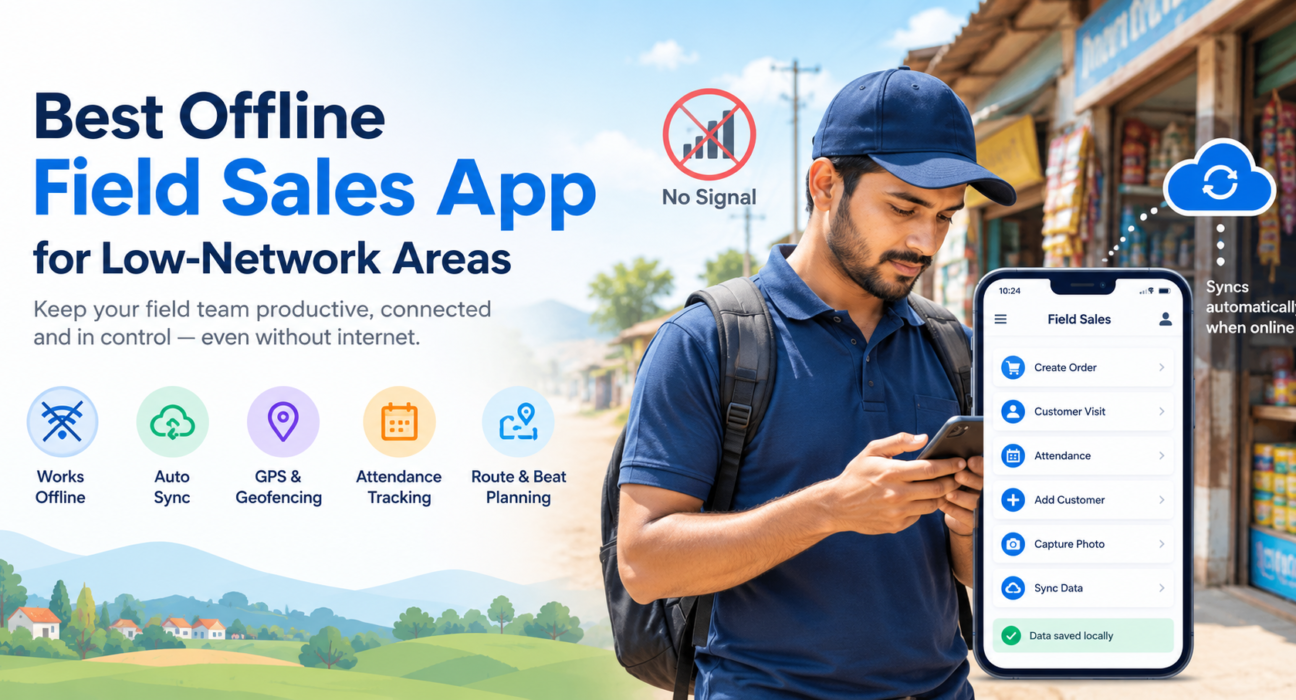
A sales rep standing outside a retail shop in a small town, watching the loading icon spin with no signal in sight, isn’t a rare scene. It’s a daily reality for field sales teams operating across highways, basements, warehouses, and rural markets where mobile networks simply don’t reach. When the app freezes, so does the sale.
This is exactly why businesses are turning to an offline field sales app — a tool built to keep reps working, recording orders, and capturing visit data even when there’s no internet connection at all. In this guide, you’ll learn what an offline field sales app actually does, why network gaps cost businesses more than they realize, what features to look for, and how to choose the right solution for your team.
What Is an Offline Field Sales App?
An offline field sales app is a mobile application that lets field sales representatives perform their core tasks — placing orders, marking visits, updating customer data, capturing attendance — without requiring an active internet connection. All data is stored securely on the device and automatically synced to the central system once connectivity is restored.
Unlike apps that simply “load slowly” without internet, a true offline-first field sales app is designed from the ground up to treat connectivity as optional rather than mandatory. The app doesn’t just tolerate poor networks — it’s built to function fully without them.
Why Network Connectivity Is a Real Problem for Field Sales Teams
Field sales isn’t confined to city centers with strong 4G or 5G coverage. Reps regularly work in:
- Rural and semi-urban markets with patchy mobile network
- Basements, warehouses, and underground parking areas
- Highways and interstate routes between client visits
- Regions with inconsistent power and telecom infrastructure
When a sales app depends entirely on a live internet connection, a dropped signal doesn’t just cause inconvenience — it disrupts the entire sales cycle. Common consequences include:
- Lost or delayed orders because the app won’t let reps proceed without connectivity
- Manual, error-prone workarounds like recording data on paper and re-entering it later
- Outdated pricing or stock information shown to customers, leading to incorrect commitments
- Inaccurate attendance and visit records when GPS check-ins fail to register
- Reduced trust between field teams and management, since data doesn’t reflect real-time activity
For businesses managing distributed field forces, these gaps compound quickly across dozens or hundreds of reps, turning a “minor connectivity issue” into a measurable productivity and revenue leak.
How an Offline-First Architecture Solves This
The core idea behind offline-first design is simple: the app should work exactly the same way whether or not the internet is available. Connectivity becomes a bonus for syncing data, not a requirement for basic functionality.
Here’s how this typically works in practice:
- Data is stored locally on the device the moment a rep logs an order, visit, or attendance entry.
- The app functions fully offline — reps can browse product catalogs, apply pricing, fill forms, and mark visits without waiting for a network signal.
- Background sync activates automatically once the device detects an internet connection, whether that’s Wi-Fi, mobile data, or a stronger signal zone.
- Conflict resolution and timestamps ensure that even if data is entered offline and synced hours later, the system records the actual time the action occurred — not just when it was uploaded.
This approach means a rep who spends an entire day in a low-network village doesn’t lose a single order, visit log, or attendance mark. Everything catches up the moment the device reconnects.
Key Features to Look For in an Offline Field Sales App
Not every app that claims “offline support” actually delivers reliable offline functionality. When evaluating options, look closely at the following capabilities.
1. True Offline Data Capture
The app should allow reps to complete forms, log visits, record orders, and capture signatures or photos without any internet connection — not just view cached data.
2. Automatic Background Sync
Once a network signal is detected, data should sync automatically without the rep having to manually trigger an upload or reopen the app.
3. GPS Tracking and Geofencing
Field employee tracking and location verification should continue to function even when offline, storing GPS coordinates locally and syncing location history once back online. This is especially important for teams that rely on [Internal Link Opportunity: FieldExecutives GPS tracking feature page] to verify field visits.
4. Offline Attendance Marking
Field attendance shouldn’t stop just because a rep is in a low-signal zone. Look for apps that support offline check-in and check-out, with geofencing validation applied once the app reconnects.
5. Route and Beat Planning That Works Without Live Maps
Reps should be able to view their planned beat or route offline, so they aren’t stuck waiting for maps to load before starting their day. This ties closely into structured [Internal Link Opportunity: FieldExecutives beat planning and route planning feature page].
6. Custom Forms and Workflows
Field visit verification, order forms, and customer surveys should be fillable offline, with data validation happening locally before syncing.
7. Expense and Collection Management Offline
Reps handling cash collections or logging expenses on the move need the ability to record these transactions without waiting for connectivity, syncing details securely once online.
8. Real-Time Reporting Once Synced
While the field data is captured offline, managers should get real-time visibility into performance the moment devices reconnect — through dashboards and reports that reflect accurate, timestamped activity.
Offline Field Sales App vs. Regular Field Sales App
| Feature | Regular Field Sales App | Offline Field Sales App |
|---|---|---|
| Works without internet | No or very limited | Yes, fully functional |
| Data loss risk in low network | High | Minimal — data stored locally |
| Order/visit logging | Requires live connection | Works offline, syncs later |
| GPS attendance | Fails without signal | Captured offline, synced on reconnect |
| Suitability for rural/remote teams | Poor | Strong |
| Manager visibility | Real-time only when online | Real-time once synced, accurate timestamps |
Best Practices for Managing Field Sales Teams in Low-Network Areas
Choosing the right software is only part of the solution. Businesses also need the right processes in place.
- Set clear sync expectations — let reps know the app will sync automatically and they don’t need to worry about manual uploads.
- Train reps on offline mode indicators so they understand when the app is operating offline versus online.
- Review synced data daily rather than expecting real-time updates from reps working in deep rural zones.
- Use geofencing and GPS validation to maintain accountability even when attendance is marked offline.
- Plan beats and routes in advance so reps aren’t dependent on live maps in areas with no signal.
- Choose software with reliable local storage and conflict handling to avoid duplicate or lost entries during sync.
How Field Force Management Software Helps
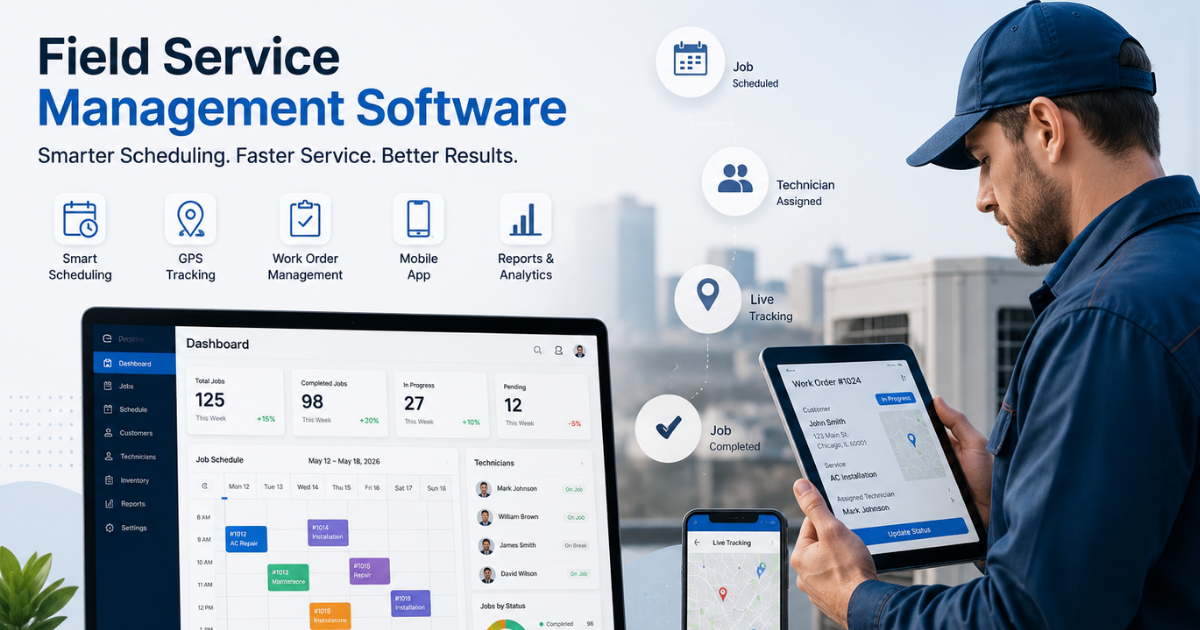
Manually managing field sales teams across low-connectivity regions using spreadsheets, phone calls, or paper-based reporting is difficult to scale and prone to errors. Field force management software centralizes visit tracking, attendance, order capture, and reporting into a single system — while offline capability ensures none of that functionality breaks down when the network does.
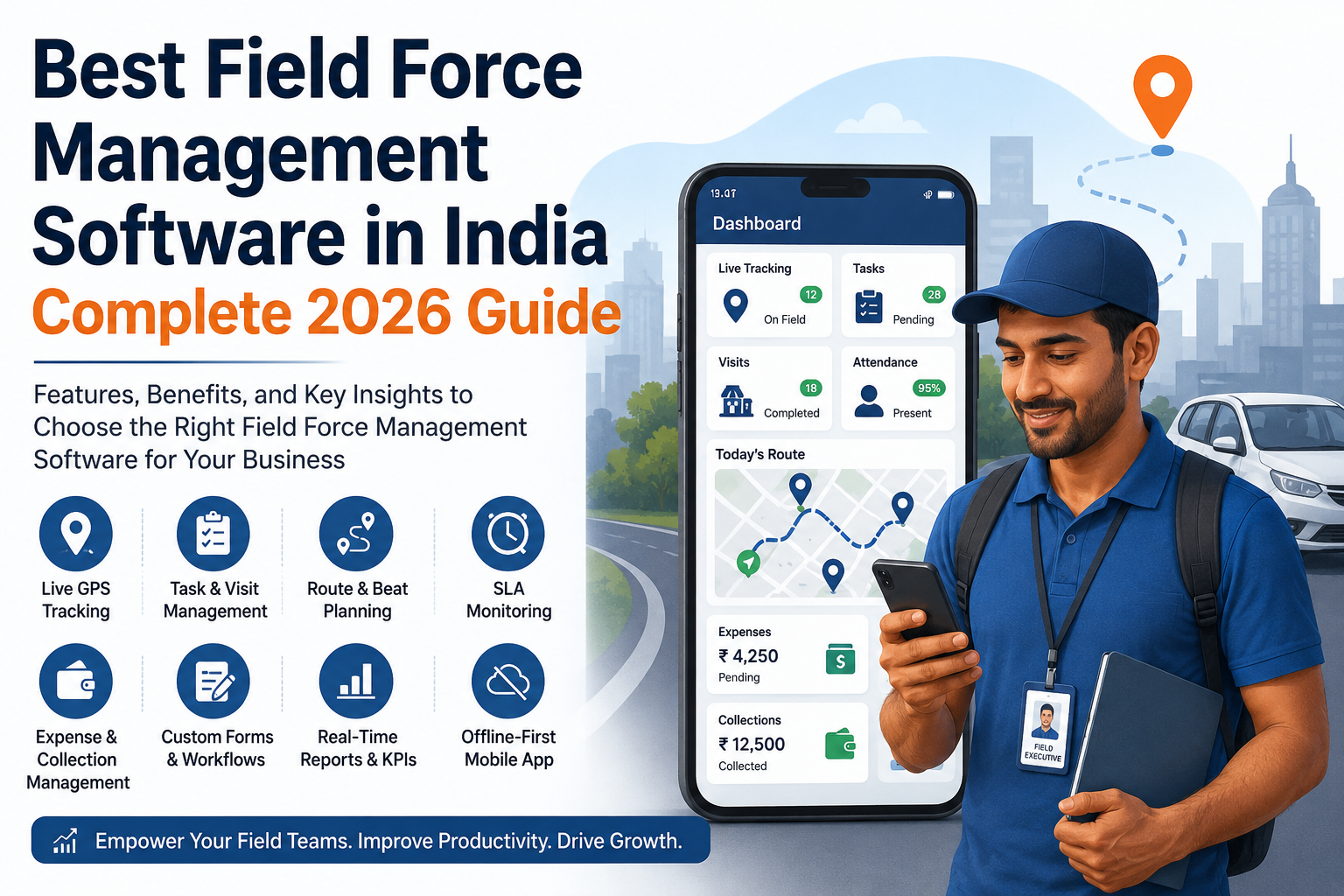
Businesses looking to simplify these processes can use field force management software such as FieldExecutives, which supports field employee tracking, GPS-based attendance, geofencing, beat planning, task management, and custom forms designed to keep field teams productive regardless of network conditions. For businesses evaluating solutions, exploring [Internal Link Opportunity: FieldExecutives field sales management solution page] can help clarify which features map to specific operational needs.
Teams managing collections or expenses on the move can also benefit from [Internal Link Opportunity: FieldExecutives expense and collection management feature page], which keeps financial data organized without requiring constant connectivity.
Choosing the Right Offline Field Sales App for Your Business
Before selecting a tool, ask these questions:
- Does the app support full offline functionality, or just offline viewing of previously loaded data?
- How does it handle sync conflicts if multiple actions are logged offline before reconnecting?
- Is GPS and geofencing accurate offline, and does it sync location history correctly?
- Can forms and workflows be customized to match your specific field sales process?
- Does the platform provide clear reporting once data syncs, so managers aren’t left guessing?
- Is customer support and onboarding available to help your team adopt the offline workflow smoothly?
Testing the app in an actual low-network environment — not just a demo in a well-connected office — is the most reliable way to validate these claims before committing.
Conclusion
Poor network coverage shouldn’t dictate how productive your field sales team can be. An offline field sales app ensures reps can keep placing orders, logging visits, marking attendance, and filling forms — regardless of where the signal drops. The right solution captures data locally, syncs automatically, and gives managers accurate, real-time visibility the moment connectivity returns.
For businesses managing distributed sales teams across rural markets, warehouses, or low-connectivity regions, adopting field force management software with strong offline capabilities — such as FieldExecutives — can significantly reduce lost sales opportunities and improve field team accountability.