Most businesses today aren’t asking whether to use artificial intelligence anymore – they’re asking where to start. Between chatbots, predictive analytics, workflow automation, and AI-powered reporting tools, the number of options can feel overwhelming, especially for teams without a dedicated data science department.
That’s exactly why AI business solutions have become such a common search term among founders, operations leaders, and IT managers. The question isn’t about the technology in the abstract – it’s about practical, scalable ways to use AI to run a business better: faster decisions, lower costs, fewer manual tasks, and more time for the work that actually needs a human.
This article breaks down what AI business solutions actually look like in practice, where they create the most impact on operations and productivity, and how to approach adopting them without wasting budget on tools that don’t fit your business.
What Are AI Business Solutions?
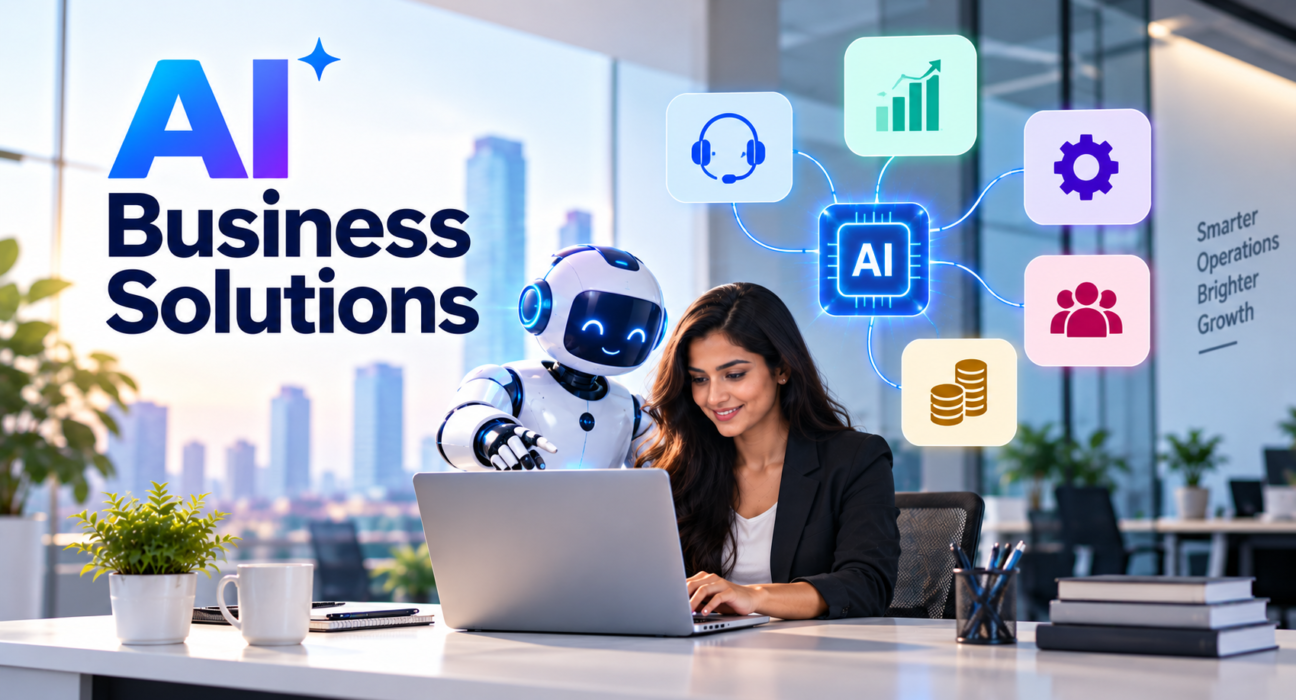
AI business solutions are software tools and systems that use artificial intelligence – including machine learning, natural language processing, and predictive analytics – to automate tasks, generate insights, or support decision-making within a company.
Unlike generic automation (think basic if-this-then-that rules), AI business solutions can adapt, learn from data patterns, and handle unstructured information like emails, documents, and customer conversations. That’s what makes them useful across so many departments, from customer service to finance to supply chain management.
In short: AI business solutions take repetitive, data-heavy, or judgment-based tasks and either speed them up or hand them off almost entirely, freeing employees to focus on higher-value work.
Why AI Adoption Matters for Business Operations Right Now
Operational efficiency has always mattered, but a few shifts have made AI adoption more urgent than optional for many companies:
- Rising labor and operational costs are pushing businesses to do more with leaner teams.
- Customer expectations for speed – instant responses, 24/7 support, personalized experiences – are hard to meet manually at scale.
- Data volume has exploded, and most organizations can’t manually analyze it fast enough to act on it.
- Competitors are already automating, which means slower-moving businesses risk falling behind on cost structure and responsiveness alone.
None of this means every business needs a complex AI strategy overnight. It means AI is increasingly a practical operations tool, not just an innovation buzzword.
Practical Ways to Use AI at Scale Across the Business
Here’s where AI business solutions tend to create the most measurable impact, department by department.
1. Customer Service and Support
AI-powered chatbots and virtual assistants can now handle a large share of routine customer inquiries – order status, FAQs, account issues – without human intervention. More advanced systems route complex issues to the right human agent automatically, along with a summary of the conversation so far.
Practical use cases:
- 24/7 first-response chat support
- Automated ticket categorization and routing
- AI-assisted reply drafting for support agents
- Sentiment analysis to flag at-risk customers
2. Sales and Marketing
Marketing teams use AI for content generation, audience segmentation, campaign optimization, and predictive lead scoring – helping smaller teams produce output that used to require much larger headcount.
Practical use cases:
- Predictive lead scoring to prioritize sales outreach
- AI-generated first drafts of ad copy, emails, and landing pages
- Personalized product or content recommendations
- Automated A/B testing and campaign optimization
3. Operations and Supply Chain
For businesses managing inventory, logistics, or production, AI models can forecast demand, flag anomalies, and optimize scheduling more accurately than manual spreadsheets.
Practical use cases:
- Demand forecasting to reduce overstock and stockouts
- Predictive maintenance for equipment and machinery
- Route and logistics optimization
- Automated quality control using computer vision
4. Finance and Accounting
AI tools can process invoices, flag irregular transactions, and generate financial summaries far faster than manual review, reducing both time and error rates.
Practical use cases:
- Automated invoice processing and reconciliation
- Anomaly detection for fraud or compliance risk
- Cash flow forecasting
- AI-assisted financial reporting and summarization
5. Human Resources
HR teams use AI to speed up recruiting workflows and support employee experience without adding headcount.
Practical use cases:
- Resume screening and candidate shortlisting
- AI-powered onboarding assistants
- Employee sentiment and engagement analysis
- Automated scheduling and PTO management
6. Internal Knowledge and Productivity
Across departments, AI is increasingly used simply to help employees work faster – searching internal documents, summarizing meetings, and drafting routine communications.
Practical use cases:
- AI meeting summaries and action-item extraction
- Internal knowledge base search assistants
- Automated report and document generation
- Email and message drafting support
How to Start Using AI Business Solutions Without Overcomplicating It
A common mistake businesses make is trying to implement AI everywhere at once. A more effective approach is incremental and outcome-driven.
Step 1: Identify Repetitive, High-Volume Tasks First
Look for tasks that are repetitive, rules-based, and time-consuming – these tend to offer the fastest, clearest ROI from automation and AI.
Step 2: Set a Measurable Goal Before Choosing a Tool
Define what success looks like – reduced response time, lower processing costs, fewer manual errors – before evaluating vendors. This keeps the focus on business outcomes rather than technology for its own sake.
Step 3: Pilot Before Scaling
Test an AI solution in one department or workflow before rolling it out company-wide. This limits risk and gives your team a chance to adjust processes based on real results.
Step 4: Involve the Team That Will Use It
AI tools succeed or fail based on adoption. Involve the employees who will actually use the tool in evaluation and rollout, not just leadership.
Step 5: Choose the Right Implementation Partner
Many businesses don’t have in-house AI or data science expertise, and that’s normal. Working with an experienced software development or IT services company can shorten the learning curve significantly, especially for custom integrations or industry-specific use cases.
This is where researching potential partners carefully matters. Businesses exploring AI business solutions often need to compare software development companies, IT service providers, or SaaS platforms with relevant AI experience before committing to a vendor. A platform like GoFirms can help with this stage – businesses can research and compare technology companies and service providers by category, making it easier to shortlist partners with the right expertise rather than starting from a blank search.
Common Challenges When Implementing AI Business Solutions
AI adoption isn’t without friction. Being aware of common obstacles in advance helps avoid costly missteps.
| Challenge | Why It Happens | How to Address It |
|---|---|---|
| Poor data quality | AI models depend on clean, structured data | Audit and clean data before implementation |
| Low employee adoption | Lack of training or unclear value | Involve users early; provide clear onboarding |
| Unclear ROI | No baseline metrics before rollout | Define KPIs before choosing a tool |
| Tool overload | Too many disconnected point solutions | Prioritize integration and consolidation |
| Security and compliance concerns | Sensitive data handled by third-party tools | Vet vendors’ data handling and compliance standards |
Choosing the Right AI Tools vs. Building Custom Solutions
Not every business needs custom-built AI. For many common use cases – chat support, content generation, basic analytics – established SaaS tools are faster and more cost-effective to implement.
Custom AI development typically makes more sense when:
- The use case is highly specific to your industry or workflow.
- Existing tools don’t integrate well with your internal systems.
- You need proprietary models trained on your own data for a competitive advantage.
For businesses unsure which path fits their needs, comparing both off-the-shelf platforms and custom software development companies side by side – rather than assuming one is automatically better – leads to more informed decisions.
Frequently Asked Questions
What are AI business solutions? AI business solutions are software tools that use artificial intelligence – such as machine learning and natural language processing – to automate tasks, generate insights, and support decision-making across departments like customer service, sales, operations, and finance.
How can AI improve business productivity? AI improves productivity by automating repetitive tasks, speeding up data analysis, and reducing manual errors. This frees employees to focus on higher-value work like strategy, relationship-building, and problem-solving rather than routine administrative tasks.
Do small businesses need AI, or is it only useful for large companies? Small businesses can benefit from AI just as much as large enterprises, often more so given limited staff. Many AI tools are affordable and designed for SMBs, particularly in customer support, marketing, and basic financial automation.
What is the difference between AI automation and traditional automation? Traditional automation follows fixed, rule-based logic. AI automation can adapt to new data, understand unstructured input like text or images, and make more flexible decisions, making it useful for tasks that don’t follow a strict, predictable pattern.
How do I know which business processes to automate with AI first? Start with tasks that are repetitive, high-volume, and time-consuming but don’t require complex human judgment. These usually offer the fastest and most measurable return on investment.
Is it better to buy an AI tool or build a custom AI solution? For common use cases, established SaaS AI tools are usually faster and more cost-effective. Custom AI development is worth considering when your workflow is highly specific, requires deep system integration, or depends on proprietary data.
How do I find the right company to help implement AI business solutions? Look for software development or IT service providers with relevant AI experience and check their past project focus. Platforms like GoFirms let businesses research and compare technology companies by category to help narrow down the right fit.
Conclusion
AI business solutions aren’t about replacing entire teams overnight – they’re about removing the repetitive, time-consuming work that slows operations down, so people can focus on the parts of the job that actually require judgment and creativity. The businesses seeing the best results tend to start small, measure outcomes clearly, and scale what works.
If you’re at the stage of evaluating implementation partners, taking time to research and compare software development companies, IT service providers, or SaaS platforms with AI expertise is worth the effort. GoFirms can be a useful starting point for that research, helping you compare relevant technology companies before making a decision.